
iOS Time Tracking Apps: Compare 10 Providers for Teams
Which time tracking app fits your team? Compare 10 iOS providers for project hours, shift assignments, time approval and pricing. Includes a practical checklist.
You’re not just looking for an app where someone taps start and stop on an iPhone. You want a solution that works in everyday life when employees swap shifts, work on construction sites without stable internet, add hours after an event, or your back office needs to export payroll hours cleanly. This is exactly where a nice timer app differs from a usable iOS time tracking app for businesses.
The right iOS time tracking app not only saves you manual work in payroll preparation. It also helps with break rules, absences, project times, work locations, and the question of who is really available when. If you lead a small consulting team, different things matter than in healthcare, security services, or an event agency with changing work locations.
Which time tracking app fits your team?
For project hours, you mainly need to link time to a client and task. Shift teams also need assignment references, breaks, corrections and time approval. Choose the workflow first, then the app. This provider overview does not replace your own product trial; confirm features, iOS compatibility and plan limits with each provider before buying.
Try a real assignment from your business:
- Record time: Can an employee assign start time, breaks and finish time to the correct assignment on an iPhone? With poor reception, check exactly what works offline and when records sync.
- Correct and approve: Add a forgotten break. Who can edit, who checks the hours, and can the change be traced?
- Hand over: Compare the approved entry with the payroll preparation export. Do the assignment, employee, hours and breaks match?
For flexible teams in Switzerland, connecting staff planning and time tracking matters. A timer may be enough for project work; with temporary staff, the handover from scheduling to time approval also needs to work.
Table of Contents
- 1. Toggl Track
- 2. Clockify
- 3. MOCO
- 4. clockodo
- 5. Crewmeister
- 6. TimeTac
- 7. Atto
- 8. Jibble
- 9. Hubstaff
- 10. job.rocks
- Quick Comparison: Top 10 iOS Time Tracking Apps
- Conclusion: Choose the App That Fits Your Processes
1. Toggl Track
Toggl Track is the app I often recommend when a team wants to quickly move away from handwritten notes or Excel. The iPhone app runs smoothly, feels mature, and with Apple Watch and iOS shortcuts, getting started is pleasant. For agencies, freelancers, and small project teams, this is often enough.
Toggl Track is strong in projects, clients, and tasks. You can track time live or add it later and get reports showing where work happens. If you lead a small creative team, you can check per client which tasks consume a lot of time and which projects constantly get out of control.
When Toggl Track Fits Everyday Use
If your company mainly works project-based, Toggl Track is often the pragmatic choice. Example: Three employees manage client projects in parallel, one is in the office, one at the client, one works hybrid. All book time on the iPhone or via browser extension directly to the right client, and the back office later pulls reports for billing.
- Strong start: You can get going without long training.
- Good mobile use: The iPhone app feels mature and fast.
- Limit in operations: Often not enough for shift planning, absence management, or deep payroll processes.
Rule of thumb: If you mainly want to know how much time goes to which client or project, Toggl Track fits well. If you need to staff shifts and approve hours for payroll, you usually need more.
For companies focusing more on team times and employee deployments, a look at mobile solutions for employees makes sense. That quickly shows whether pure project time tracking is enough or not.
2. Clockify
Clockify is for many teams the affordable entry into digital time tracking. The iOS app covers live tracking well, and you get projects, tags, reports, and exports without much hassle. This makes the app interesting if you want to get a team used to mobile time tracking first.
In everyday use, Clockify often fits agencies, IT service providers, or small service teams. Example: A team from sales, support, and project management books time differently. Support tracks internal tasks, sales logs client visits, project management tracks project phases. Tags allow later separation fairly cleanly.
Where Clockify Excels and Where You Need to Check
A real point for companies in Switzerland or the EU is the option for an EU data region in paid plans. This helps when data protection is a key topic early in purchasing or IT audits. Especially for an iOS time tracking app for companies, this question is often asked too late.
- Good start with little effort: The app rolls out quickly.
- Platform mix fits: Mobile, desktop, and browser work well together.
- Needs checking: If you have strict compliance processes, check plan and feature scope carefully in advance.
I like Clockify’s quick rollout. Less good is that with growing demands you have to watch carefully if the chosen plan still fits your process.
If you want a solution for Switzerland, also check out time tracking in Switzerland. There you quickly see if a broad standard app suffices or if local requirements carry more weight.
3. MOCO
MOCO is not just a clock-in app. It’s a Swiss suite for agencies and service providers who want to combine time tracking with projects, offers, invoices, and capacity planning. That’s why MOCO often fits consulting, agencies, and studios better than companies that only want to track attendance.
The iOS app is good for mobile booking and adding time later. If someone is on a train after a client meeting, time can be booked directly to the project instead of being reconstructed from the calendar days later. This sounds small but saves noticeable nerves monthly.
Who MOCO Is a Better Choice For
MOCO becomes interesting if you want not only to collect time but also bill services cleanly. Example: An agency creates offers, plans resources, continuously books time on project phases, and then issues invoices from the same system. MOCO handles this more cleanly than many pure timer apps.
- Good for service providers: Project, budget, and service are closely linked.
- Strong for Swiss companies: Data processing and hosting in Switzerland is a real selection criterion for some.
- Less suitable for pure attendance: In construction, cleaning, or security, the suite is often more than you need.
If you want to introduce mobile time tracking but aren’t sure whether project focus or deployment focus is more important, a look at mobile time tracking in daily business helps. That quickly shows if an agency suite or an operational team solution fits better.
4. clockodo
clockodo sits in a comfortable middle ground. The app is simpler than a large enterprise suite but more structured than a pure start-stop timer. Especially for SMEs in the DACH region, this is often just right.
On the iPhone, you get clock-in and project time tracking in one solution. Plus hour accounts, reports, and recording of material and travel expense flat rates. A craft business can thus track not only working time but also ancillary costs transparently without introducing a huge system.
What clockodo Solves Well in SME Daily Use
I often see clockodo fitting where office and field teams work together. Example: A small plumbing company has technicians on the road and one person in the office. The technicians clock in and out on the iPhone, the office checks hour accounts and prepares billing or customer invoices.
The Swiss-German orientation is pleasant for Swiss companies. Language, currency, and overall appearance feel familiar. This is not a minor topic because team acceptance often depends on such details.
If you run an SME and want a straightforward, German-language solution, clockodo quickly makes the shortlist. If you need very complex deployment planning, you will hit limits.
For classic service companies, smaller craft businesses, and teams with manageable personnel planning, clockodo is a sensible iOS time tracking app. For complex shift models, less so.
5. Crewmeister
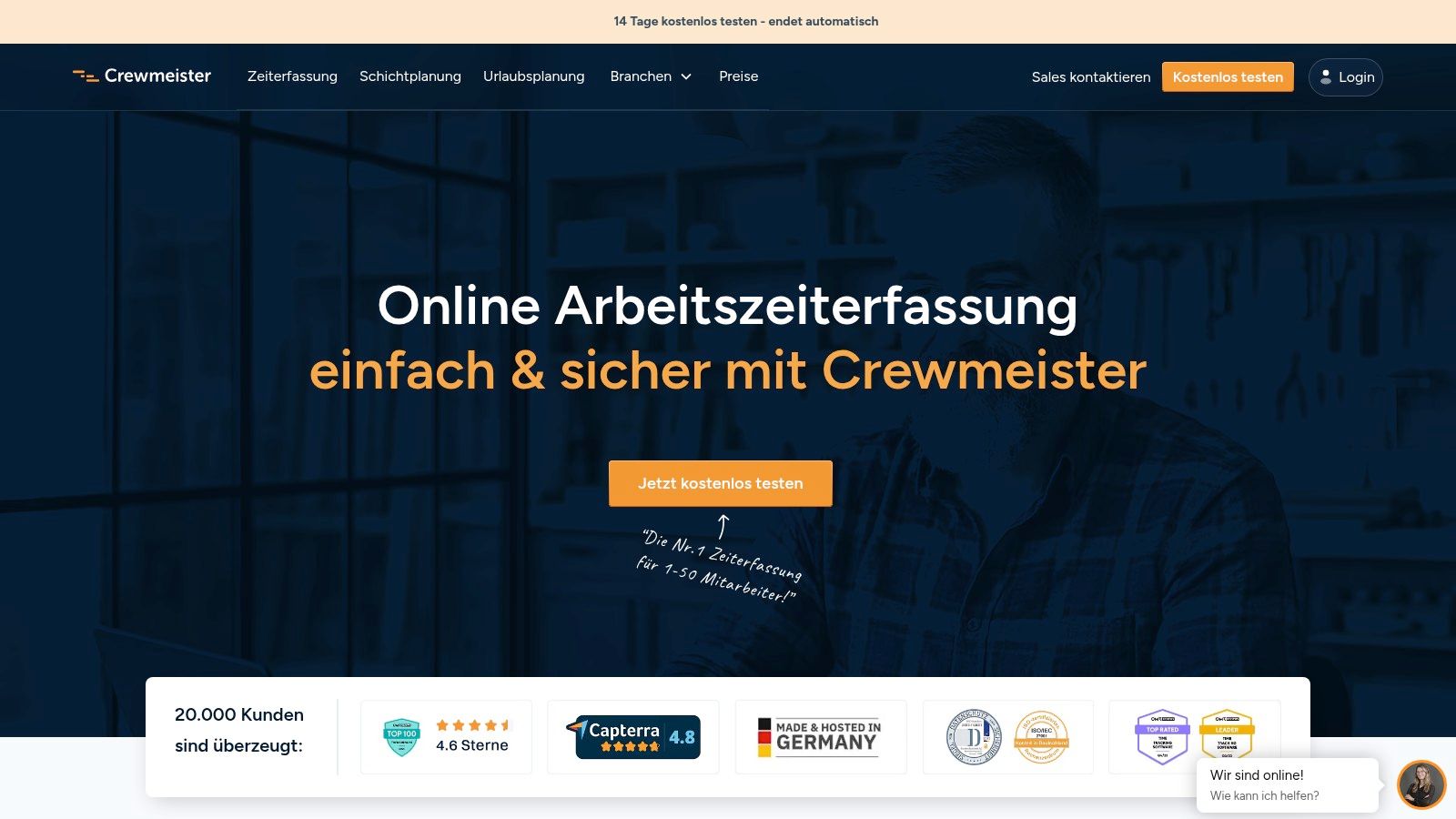
Crewmeister is a candidate to consider if your employees don’t just sit quietly on office Wi-Fi. The app is tailored to crafts, construction, and smaller service companies. Here, it’s not fancy reporting first but whether clocking on the construction site or at the client works.
Especially valuable is the offline clock-in function. If a team starts in the shell construction phase in the morning and the network is weak, time tracking must not fail. Crewmeister solves this point better than many apps that look mobile on paper but assume a constant connection in the field.
Strong on Construction Sites and Field Service
A practical case: A construction manager sends three teams to different sites. Employees clock in and out on mobile, location options help assign the work site, and the shift plan is accessible on the iPhone. This reduces coordination chaos in WhatsApp or on paper notes.
- Good for operational teams: Construction, crafts, and service fit well.
- Offline can be crucial: Especially outdoors or in buildings with weak reception.
- Roles clearly separated: Apps for employees and admins keep operation simpler.
The catch is more in scaling. If you have a large company with many locations, complex rules, and deep HR or payroll interfaces, check carefully if Crewmeister carries far enough. For many smaller companies, this reduction is the advantage.
6. TimeTac
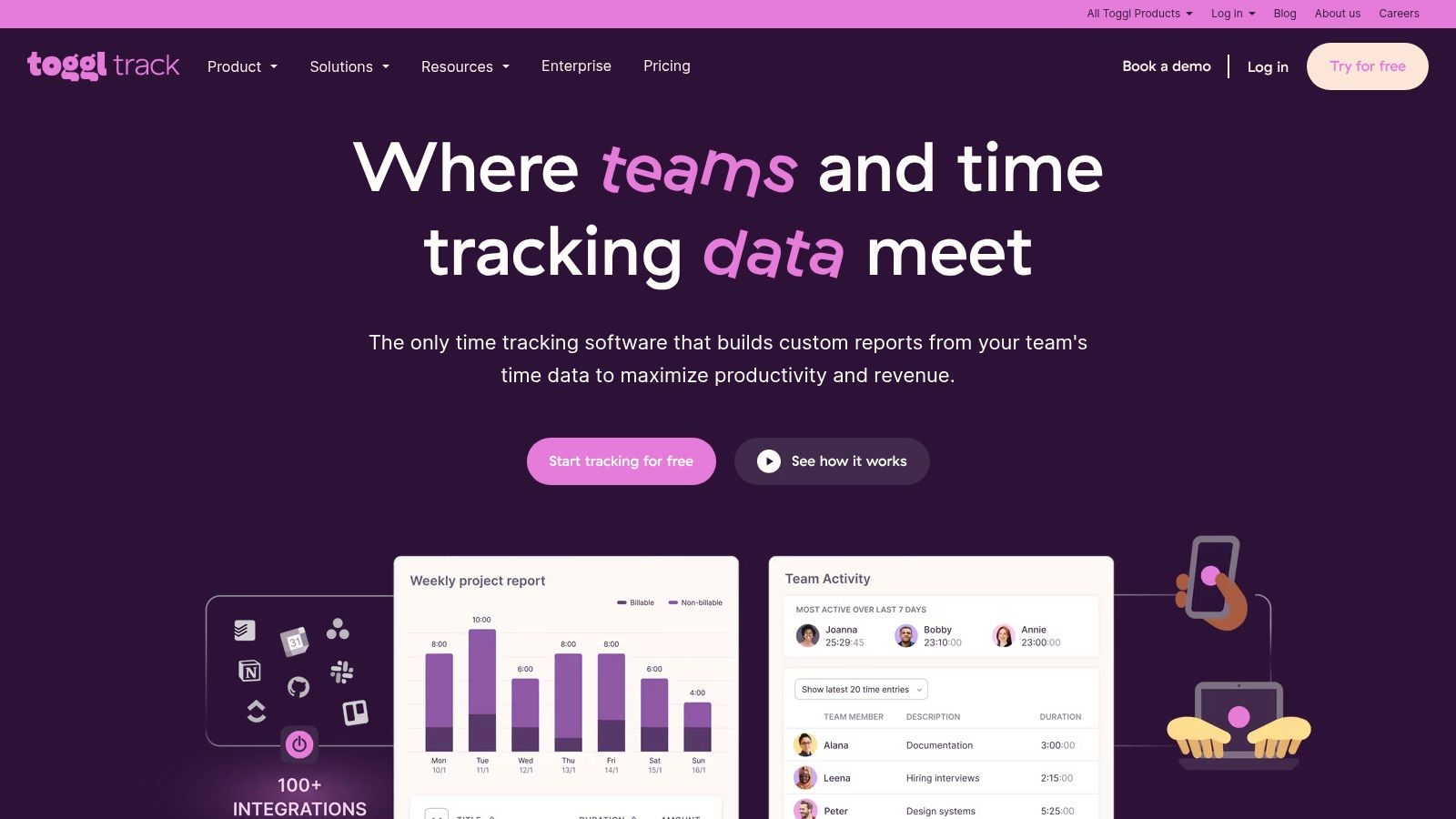
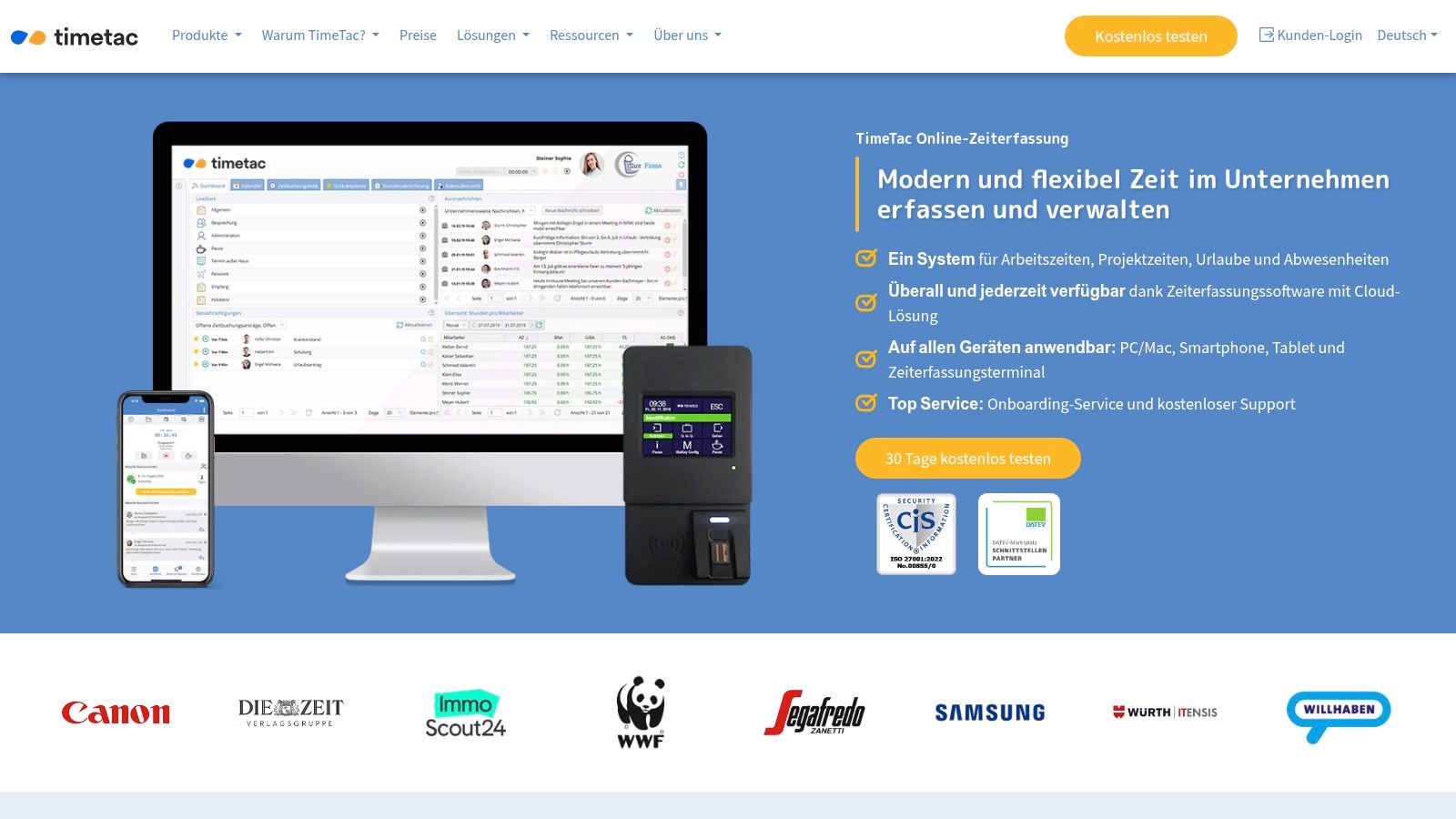
TimeTac is interesting if you stand between classic time tracking and a broader setup with location technologies. The iOS app covers not only mobile time tracking but also GPS, NFC, geofencing, plus Apple Watch and widgets. This is more than a timer. It’s a toolkit for different deployment types.
This fits well for medium and larger teams mixing stationary and mobile tracking. Think of a care organization with an office location, mobile services, and some fixed facilities. There, a simple app often isn’t enough.
When You Need More Than Just Mobile Clocking
TimeTac becomes interesting when different tracking types run side by side. Example: Employees in a warehouse book at a terminal, team leads track project times mobile, field staff work with location reference. Bundling all in one tool is often more convenient for back office than patching together three separate solutions.
What I appreciate about TimeTac is the closeness to DACH and Swiss topics. Those who want to discuss legal questions or industry-specific requirements early get the feeling the product was built for that, not just retrofitted with localized menus.
For companies with multiple locations or mixed work forms, TimeTac is often the kind of app whose strength shows on second glance.
The downside is clear. Prices are mostly quote-based and less transparent on the website. If you want self-service buying, this can slow you down. If you buy with a requirements list anyway, it’s usually no problem.
7. Atto
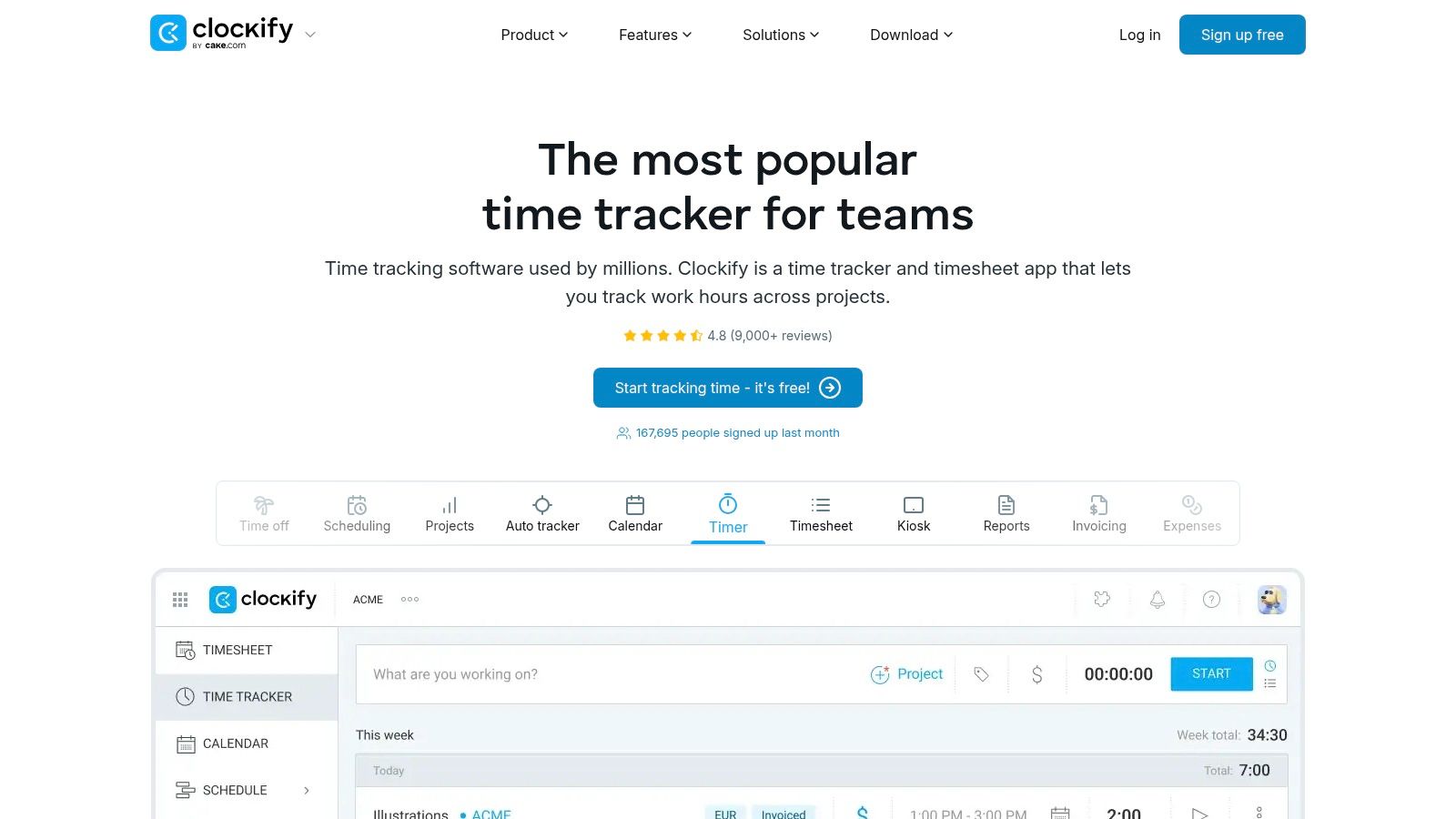
Atto is clearly aimed at mobile teams. If you coordinate crews in construction, field service, or event setups, you quickly notice Atto doesn’t try to be everything for everyone. The focus is on location features and mobile tracking on the go.
The iOS app offers GPS live tracking, geofencing, location history, and automatic mileage tracking. For teams moving from site to site, this is often more practical than a pure project list. An event service provider can see when a team arrived at the venue and when they left.
Ideal for Teams on the Move
A typical use: An event technology company manages several locations on the same day. The crew starts the workday mobile, times are assigned to the right team or job, trips are traceable, and dispatch sees who is where. This saves inquiries and reduces post-event rework.
- Fits field service: Construction, service, events, mobile crews.
- Location reference built into the product: Not just a side field.
- Less strong in back office: Those needing deep project costing, invoicing, and advanced HR processes should look carefully.
Atto is a good iOS time tracking app if the work location is almost more important than the project structure plan. For classic consulting or agency work, I’d rather choose another tool.
8. Jibble
Jibble is interesting for teams wanting to start quickly without a big budget for rollout. The app relies heavily on a freemium model, offers mobile clock-in, projects, timesheets, and notifications, and appeals to teams wanting to connect many employees mobile in a short time.
This can work well especially for younger, changing teams. Example: A hospitality business with seasonal staff rolls out the app, employees clock in on iPhone, team leads check times and attendance centrally. This works without a long system setup.
Good Start for Mobile Teams
Jibble fits if you want a clear starting point and don’t want to set up a big project first. Geolocation and geofencing help link deployments to locations. The existing communication around data protection is helpful for companies needing to explain the topic internally.
- Fast rollout: Good for growing or changing teams.
- Low entry barrier: Especially for simple mobile time tracking.
- Limit with deeper processes: Complex payroll or HR needs often require a higher plan or another system.
It’s important to classify. Jibble is strong as an uncomplicated mobile solution. If you want a chain of availability, shift planning, hour approval, and payroll export in one process, you usually need more.
9. Hubstaff
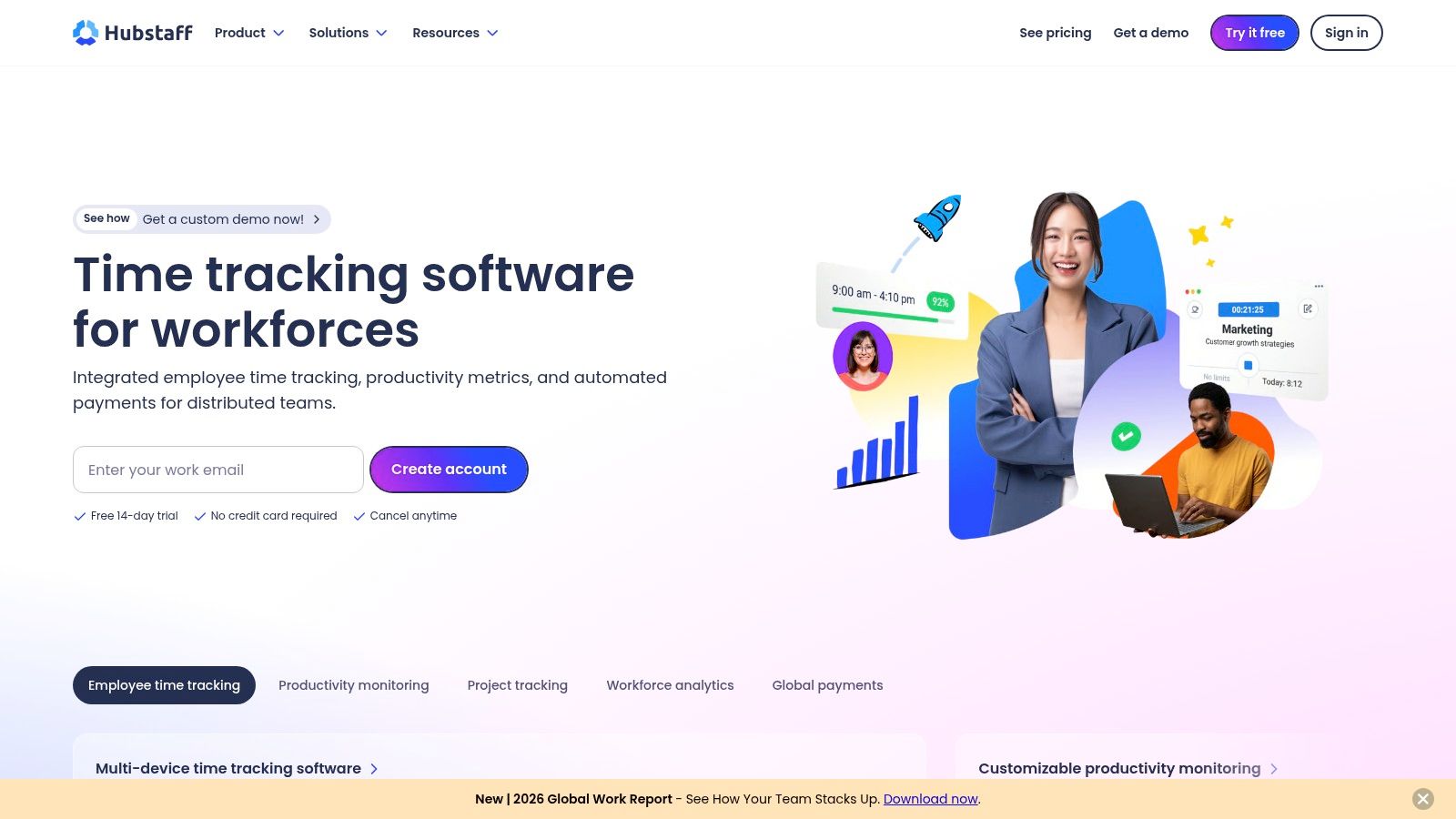
Hubstaff covers time tracking, location, shift planning, and field workflows in a fairly broad solution. The iOS app can sync offline, work with geofences, and link jobs or projects with times. This is attractive for mobile teams in security, logistics, or service.
The app becomes especially interesting if you want to know not only how long someone worked but also where or in which deployment window. A security service can link patrol or deployment times with locations and document them cleanly afterwards.
Where Hubstaff Makes Sense and Where It Gets Tricky
Hubstaff has a lot of power in the field service context. At the same time, you must carefully check which monitoring or activity features you really need. Some functions, like productivity metrics or screenshots in other product parts, are culturally sensitive and not acceptable in every company.
Not every technically possible control is wise in a team. With Hubstaff, you should consciously decide which features are active and why.
If your company works heavily in the field, Hubstaff can fit well. If you operate in a co-determination-sensitive environment or have a trust-based culture, configure it jointly with HR, management, and data protection.
10. job.rocks
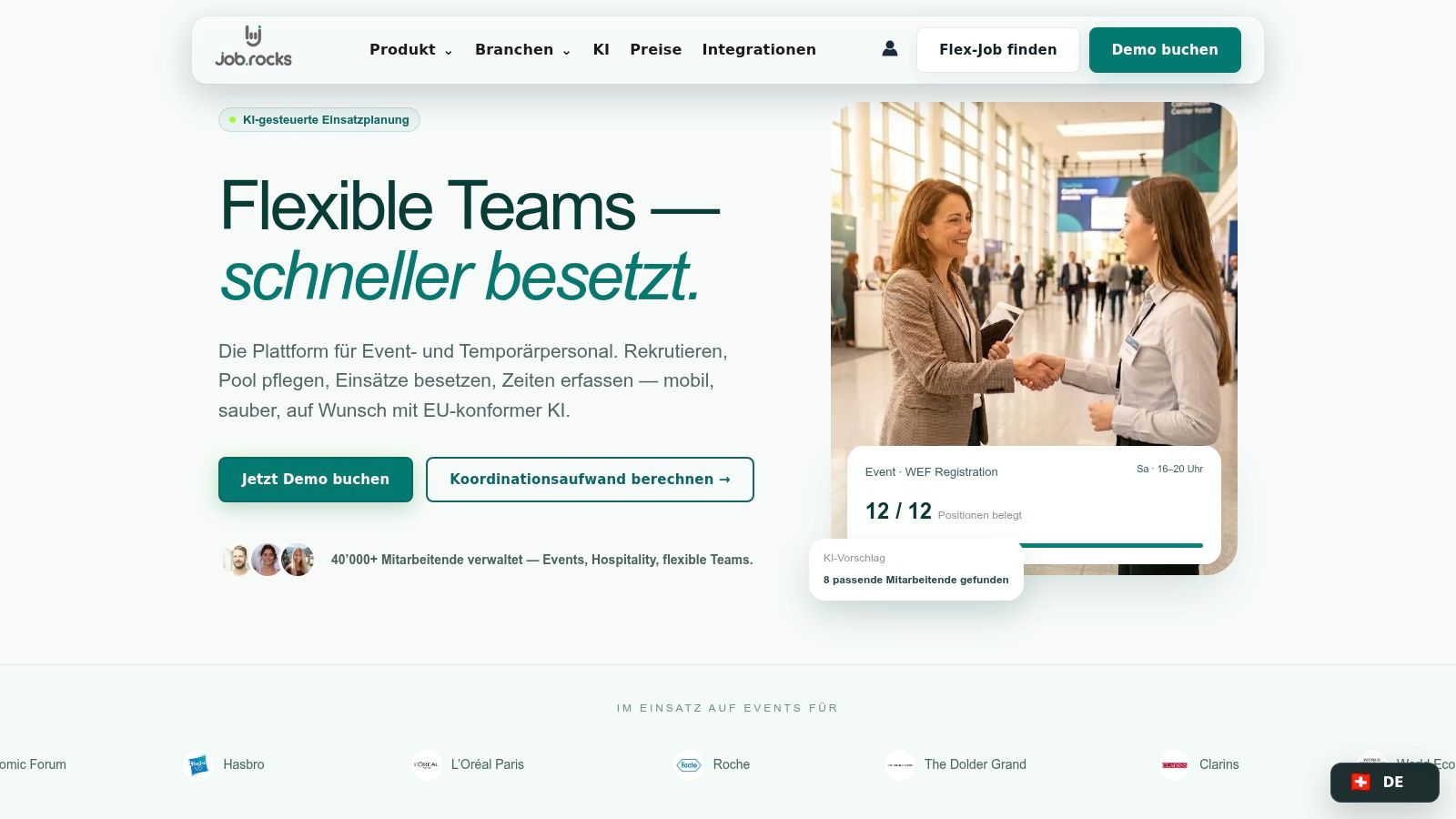
Friday evening, multiple deployments in parallel, last-minute absences in the team. In such situations, a pure time tracking app is not enough. job.rocks targets companies that schedule personnel, staff shifts, check times, and then hand over data to payroll preparation.
The difference to classic project time tracking lies in the process. job.rocks connects employee pools, deployment planning, mobile employee app, time tracking, hour approval, and payroll export in one system. This is especially relevant if you use many temps, floaters, or temporary staff and don’t want to map every step in separate tools, Excel sheets, and chat threads.
It fits particularly well with event service providers, promotion agencies, hospitality, healthcare, security, or logistics. Here, it’s not only about how working time is tracked. You also have to check who is available, who you can invite for which deployment, how last-minute changes are handled, and whether hours are finally ready for billing.
In daily use, the benefit shows quickly. An event agency can create weekend shifts, request suitable people from the pool, collect feedback directly in the app, and have team leads approve recorded times afterwards. For payroll, this is much cleaner than a mix of messenger, phone, timesheets, and corrections.
The mobile app covers more than clocking in and out. Employees see shift details, indicate availability, receive reminders, and can initiate shift swaps depending on setup. This noticeably relieves dispatch because many standard requests no longer need manual handling.
Where job.rocks Scores in Companies
- Strong with flexible personnel pools: Useful for businesses with many changing or temporary employees.
- Planning and time data integrate directly: Saves double maintenance and reduces handover errors.
- Suitable for payroll processes: Hour approval and export are part of the workflow, not just an add-on.
- GDPR topic addressed seriously: For companies with sensitive personnel data, this is a real selection factor.
- Interesting for agencies: Whitelabel and interfaces can be important if you work with your own brand.
Especially for industries like healthcare, security, or personnel services, data protection is not a side topic. You should check exactly where data is stored, how roles and access are set, and how well the system integrates into existing HR and payroll processes. The advantage of job.rocks is that the platform is clearly designed from a European business context and not just focused on the timer.
job.rocks lists a public price of CHF 2 per assignment. Prepaid volume packages are available on request; refer to the current pricing and terms. Compare this assignment-based model with per-user or monthly plans on your shortlist. A simple timer may suffice for project hours; for changing teams, include scheduling, time approval and payroll preparation in the comparison.
If you’re looking for an iOS app for construction, events, healthcare, or hospitality, focus less on the length of the feature list and more on the operational workflow. job.rocks fits when the harder task begins before actual time tracking: getting the right person on the right shift and processing hours afterwards without media breaks.
Quick Comparison: Top 10 iOS Time Tracking Apps
| Product | Core Features | Mobile & Compliance (★) | Target Group (👥) | Price/Value (💰) | USP / Short Review (✨/🏆) |
|---|---|---|---|---|---|
| Toggl Track | Projects, timer, reports | Mature iOS/Watch & browser integrations ★★★★ | Freelancers, agencies, small teams | 💰 Free plan; pro features paid | ✨ Very good mobile UX; fast time tracking |
| Clockify | Live tracking, projects, kiosk | iOS app; EU data region (paid) ★★★★ | Cost-conscious, scaling teams | 💰 Strong free offer; scalable | ✨ Price/performance; broad platform coverage |
| MOCO | Project/service time tracking, invoices | iOS app; CH hosting/DPA ★★★★ | Agencies & service providers (CH) | 💰 Suite pricing; CH compliance valuable | ✨ Swiss data hosting & agency suite |
| clockodo | Clock-in, absence, reports | iOS clock-in; GDPR/de-CH ★★★★ | DACH SMEs | 💰 Localized prices/currency | ✨ Simple operation; de-CH appearance |
| Crewmeister | Offline clock-in, shift plan | Offline iOS; location options ★★★ | Crafts, construction, small services | 💰 Tiered pricing by employees; SME focus | ✨ Offline function & construction features |
| TimeTac | GPS/NFC/geofencing, terminals | Extensive location tech; CH info ★★★★ | Medium to large teams | 💰 Modular & quote-based | ✨ NFC/geofence + compliance info |
| Atto | GPS live tracking, mileage tracking | Very mobile-focused; geofencing ★★★ | Field service, construction, event crews | 💰 14-day trial; mobile-centered | ✨ Auto mileage tracking; clear mobile UX |
| Jibble | Geofencing, timesheets, face check | iOS geolocation; GDPR communication ★★★ | Teams with fast rollout | 💰 Permanent free plan (forever) | ✨ Free plan + data protection focus |
| Hubstaff | Time, location, shift, productivity | Offline sync; field tracking ★★★★ | Mobile security, logistics, service | 💰 Tiered plans; many integrations | ✨ Field tracking & integrations (check screenshots) |
| job.rocks | Staff pool, scheduling, time tracking, payroll export | Mobile employee app; check privacy and access rights in your setup | Events, hospitality, staffing, healthcare, security, logistics | CHF 2 per assignment; prepaid volume packages on request | Connects scheduling with time approval and payroll preparation |
Conclusion: Choose the App That Fits Your Processes
The best iOS time tracking app is almost never the one with the longest feature list. It’s the one that fits your everyday life. If you only want to track project times cleanly, slim tools like Toggl Track, Clockify, or clockodo are often enough. They are faster to implement, easier to explain, and usually more pleasant for small teams than large systems.
It’s different if your business works with shifts, work locations, changing teams, or payroll preparation. Then questions become important that many comparisons overlook. Does the app work offline? Can hours be approved? Do data flow cleanly into payroll? Is location tracking sensibly solved? And how well can the team really be managed day-to-day without everything ending up in side channels?
For agencies and service providers with a strong project focus, MOCO is interesting because time tracking integrates directly with offers, budgets, and invoices. For construction, crafts, and field service, Crewmeister, Atto, or TimeTac are often closer to on-site deployment. Hubstaff fits if field tracking is important but requires conscious handling of sensitive features. Jibble is a usable starting point if you want to roll out mobile quickly and processes are still manageable.
Once you move from pure tracking to operational control, the situation changes. Then it’s not enough to just collect hours. You must check availability, staff open deployments, document changes cleanly, and have reliable time data for payroll or client billing. This is exactly where an integrated solution like job.rocks is stronger than a classic timer app.
If you plan event crews, floaters in hospitality, healthcare staff, security personnel, or temporary teams, the combination of deployment planning, mobile employee app, and time tracking is usually worth more than a pretty timer. You save media breaks and reduce the typical chaos of Excel, phone, messenger, and manual additions.
My recommendation is simple. Take your real workflows as the starting point. Not the demo, not the marketing page. Build three concrete scenarios from your daily life. For example, a normal workday, a chaotic day with changes, and a month-end with payroll preparation. If an app handles these three situations cleanly, it’s usually the right choice.
In the end: Small teams often need clarity and speed. Growing companies need reliable processes. Industries with flexible deployments need a system that brings planning and time tracking together. Choose exactly the solution for that, not the theoretically biggest.
If you plan flexible teams and want a solution that combines deployment planning, mobile time tracking, and payroll preparation in one system, check out job.rocks. A demo quickly shows if the platform fits your event, hospitality, healthcare, security, or staffing daily business.