
Software for personnel planning 2026: functions, selection and best use in Switzerland
The right software for personnel planning is the difference between calm planning and daily Excel carnage. If you query availability manually, juggle short-term outages via WhatsApp and laboriously collect hours at the end of the month, then your planning is still going on with a lot of hard work and too...
The right software for personnel planning is the difference between calm scheduling and daily Excel carnage. If you query availability manually, juggle short-term outages via WhatsApp and laboriously collect hours at the end of the month, then your planning is still going on with a lot of hard work and too little system. That's exactly what costs time, nerves and margins.
In this guide, I'll show you what good software for personnel planning really has to do in 2026, which industries it is particularly valuable for and how you can choose the right solution for your company. The focus is on Swiss practice: flexible personnel pools, short-term assignments, mobile teams, clean time recording and wage preparation without administrative fog.
Quick Answer: What is workforce planning software?
Software for personnel planning is a digital solution with which you centrally control availability, qualifications, shifts, deployments, communication and often also time recording. Instead of distributing data via Excel, telephone, email and chat, everything comes together in one system. This makes planning faster, more transparent and significantly less prone to errors.
A tool becomes particularly valuable if you work with flexible teams, spontaneous reshuffles occur frequently or employees work at different locations. For many companies, this is not a luxury, but the point at which planning can finally scale without the scheduling imploding.
What exactly is workforce planning software and when do you need one?
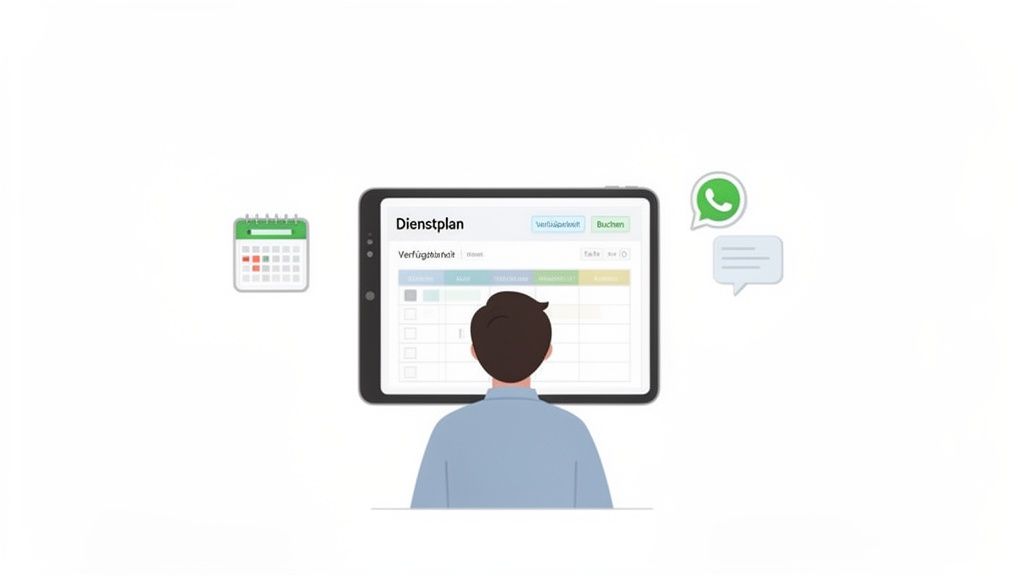
A personnel planning tool is essentially your operational control center for personnel, deployments and capacities. You create requirements, assign suitable employees, filter by qualifications, automatically inform your team and keep track of confirmed, open or critical shifts.
This initially sounds like a simple software category. In practice, however, it is about much more: good tools combine planning, communication and execution. So you don't just plan pretty boxes in the calendar, you build a functioning process from the request to the hour worked.
The change from manual to automated planning
Many companies start with Excel, telephone and gut feeling. This works for a surprisingly long time - until it no longer works. At the latest when there are multiple locations, lots of temporary workers, changing requirements or short-term changes, improvisation turns into a waste of time.
A tool takes away exactly this friction. Availabilities are collected digitally, suitable employees are automatically suggested, notifications are sent immediately and changes are documented centrally. This not only reduces the effort, but also the error rate when it comes to staffing, qualifications and hourly releases.
A workforce planning tool is not decorative software. It's an operational decision for more clarity, faster response and significantly less admin hassle.
Typical warning signs that you need one
- You check availability manually by phone, chat or email.
- Open shifts remain unfilled for too long or are assigned twice.
- Qualifications, certificates or roles are not clearly visible.
- Time recording and wage preparation consist of copy-paste and hope.
- Short-term failures upset the entire plan.
- Employees constantly ask for deployment details, changes or open hours.
If more than one of these sounds familiar to you, the switch not only makes sense, but is overdue. Especially in the operational planning, it quickly becomes apparent how much calmer a team works as soon as everyone is working with the same data.
The core functions for smooth operational planning
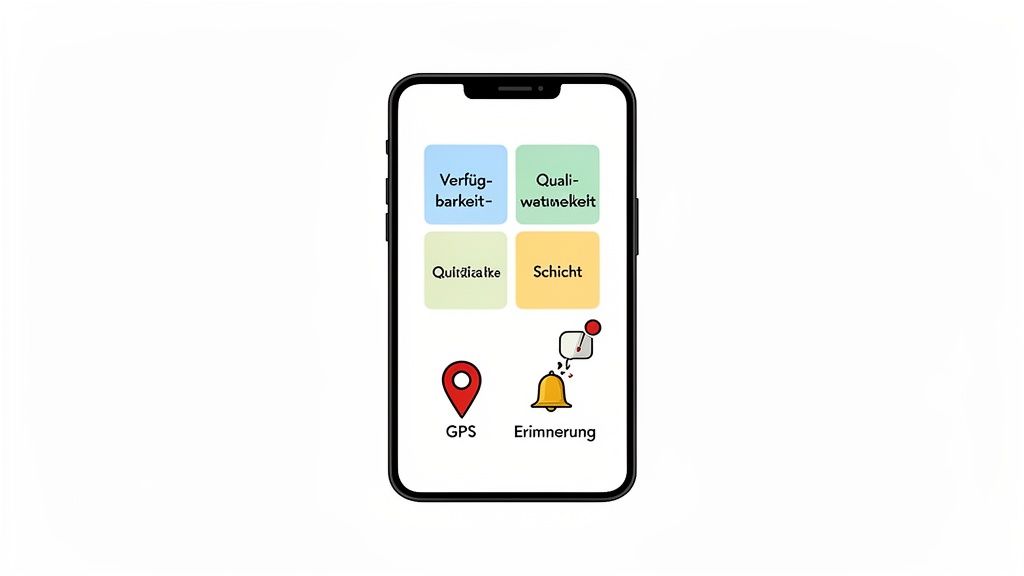
A good personnel planning tool is much more than a digital roster. It combines several functions that together make your process stable. The most important components are:
1. Shift and deployment planning
You define needs, location, time window, role and requirements. Instead of empty table cells, clearly described missions with responsibilities and status are created. This makes planning comprehensible and can be changed much more quickly.
2. Availability query
A powerful tool collects availabilities digitally via app or web. Employees can maintain their own availability and you can immediately see which capacities can realistically be used. That saves a small telephone museum per week.
3. Qualification and role filter
Not every person is suitable for every task. That's why qualifications, languages, driving licenses, safety certificates or internal approvals must be clearly stored. Good tools automatically filter for suitability so you don't accidentally send the wrong person on the wrong mission.
4. Mobile communication
Push messages, deployment details, reminders, acceptances and rejections, shift swaps: all of this has to work on mobile devices. If employees switch to WhatsApp again, the software was only half-thought.
5. Time tracking and release
Modern tools record actual times directly via the app. Ideally with location reference, approval step and clean handover to payroll preparation. This is exactly where expensive errors tend to occur.
6. Reporting and transparency
Who agreed? Where are people missing? Which missions are critical? Who worked how many hours? A good tool not only shows you data, but operational answers.
Which features are really crucial in 2026?
| Function | Why it is important | Especially relevant for |
|---|---|---|
| Availability query | Reduces follow-up calls and speeds up the occupation | Events, catering, personnel service providers |
| Qualification filter | Prevents wrong appointments and increases quality | Security, Care, Construction, Health |
| Mobile employee app | Increases acceptance and reduces chat chaos | All industries with decentralized teams |
| Time tracking | Clean basis for wage preparation and evidence | Temporary work, event, cleaning |
| Shift swap / reassignment | Keeps operations agile during failures | Gastro, hotel industry, care |
| Payroll export | Saves admin effort at the end of the month | Personnel service providers, SMEs, agencies |
| Multilingual / CH-Fit | Makes everyday life easier in the Swiss context | CH teams, multilingual operations |
If you are blinded by long lists of features, you often buy the wrong tool. What is more important is how well the functions work together. A tool with fewer modules but clean processes is usually more valuable than a platform with twenty menus and operational disorientation.
This is how the tool becomes a decisive advantage in your industry
Requirements vary significantly depending on the industry. That's why you shouldn't look for the "best tool for everyone", but rather for the best tool for your actual everyday life.
Event industry: filling large personnel pools quickly
At festivals, trade fairs or concerts, you often coordinate many temporary forces at the same time. You need quick commitments, clear communication and reliable qualification filters. This is exactly where mobile availability, group invitations and first-come-first-served processes come into their own.
If you want to delve deeper into the topic, our guide to Event staff and digital coordination is also worth reading.
Gastronomy and hotel industry: react flexibly to capacity utilization
Reality is volatile. The terrace is full, the banquet is larger at short notice, the evening service is canceled - the plan is suddenly overturned. A good personnel planning tool helps you to quickly activate proven employees, communicate assignments clearly and record hours without paper storms.
Healthcare and care: ensuring quality and rules
This is not just about staffing, but about qualifications, legal requirements, services, rest times and patient safety. The tool must clearly document who is allowed to take on which role and with what authorization.
Security services: traceability and speed of reaction
For security companies, documentation, reliability and spontaneous replacements are central. Mobile time recording with clear operational information creates operational security and saves discussions afterwards.
Personnel service providers and temporary work: speed plus structure
If you regularly schedule a large number of flexible employees, you need a solution that cleanly combines pool management, availability, communication and time recording. This is exactly where the tool decides directly on your margin. Our comparison Software for personnel service providers.
is also relevantThe 5 best software for personnel planning 2026 at a glance
Not every tool suits every company. So here's a quick comparison of the most common categories - with a focus on the Swiss market and teams with flexible assignments.
| Tool / Category | Strength | Ideal for | Price model |
|---|---|---|---|
| Deputy | Strong shift planning + payroll integration | Retail, catering (international) | From approx. 3.50 CHF/user/month |
| Shiftbase | Easy to use, quick to get started | KMU with fixed layers | From approx. 2.00 CHF/user/month |
| Float | Project-based resource planning | Agencies, consulting teams | From approx. 7.50 CHF/user/month |
| Homebase | All-in-One including time clock + communication | US-oriented catering | Freemium, Pro from around $20/month |
| job.rocks | Swiss pay-per-use, AI scheduling, mobile time recording | Events, gastronomy, security, care, personnel service providers | Forever Free, from 1.20 CHF/stake |
My tip: If you have fixed shifts and few changes, a simple solution is often enough. But as soon as flexible assignments, short-term changes or seasonal peaks come into play, specialization pays off. This is exactly what job.rocks is designed for.
What to really pay attention to when comparing
- Pricing: Per user per month can be expensive for seasonal teams. Pay-per-use or flat rates are fairer here.
- Mobile App: If your team is on the move, the app needs to be at least as good as the desktop version.
- Swiss adaptation: German or international tools often do not fully cover Swiss peculiarities (multilingualism, Swiss wage models, ArG).
- Support response time: When it comes to live operations, every hour counts. Support in the same time zone is worth its weight in gold.
Personnel planning tool vs. Excel: Where Excel hits the wall
Excel is not the enemy. It's just the wrong tool at some point. For very small, stable teams, one table can last for a while. But as soon as flexible deployments, spontaneous changes or many employees are added, Excel becomes a brake.
- No real live overview: Versions drift apart, information becomes outdated quickly.
- Weak communication: Changes must be sent separately.
- No role and qualification management: A lot remains a matter in the head.
- No mobile employee experience: Employees often only see screenshots or PDFs.
- High error rate: Hours, names, times and shifts are easily transmitted incorrectly.
If you're still relying on tables, it's also worth taking a look at our article Excel shift plan: Why smart teams switch to . It becomes very clear why Excel is more of a test of courage than a solution at some point.
How to choose the right workforce planning tool
Selection shouldn't start with a demo, but with your process. Only when you understand where friction occurs today can you judge whether a tool really reduces it.
1. First check your real use case
How many employees are you planning? How often do missions change? Which qualifications must be taken into account? How important are mobile processes? Who has to release hours? Which data should flow into wage preparation? These questions are more important than any glossy deck.
2. Pay attention to ease of use
A tool doesn't have to be able to do everything, but it does have to do the important things very easily. If scheduling and employees do not use the platform intuitively, the process moves back into secondary channels. Then you pay for software and still work like before. An exquisite form of self-sabotage.
3. Think mobile, not just in the office
The app is the actual workplace for many employees. Availability, commitments, deployment information, check-in and hours must work on the move without frustration. Otherwise acceptance will suffer immediately.
4. Check integrations and payroll flow
The tool shouldn't stop at planning. The more seamless the handover in time recording, payroll or accounting, the greater the operational benefit.
5. Don't forget privacy and support
Employee data is sensitive. Pay attention to GDPR compliance, traceable role rights and ideally hosting in Switzerland or the EU. Equally important: fast, competent support. Especially in the introduction, the magic separates from the tired hotline music.
How much does workforce planning software really cost?
Prices vary widely — not just between providers, but depending on your usage pattern. Here is a comparison of the three common models:
| Model | How it works | When it's worth it | When it gets expensive |
|---|---|---|---|
| Per User / Month | Fixed costs per employee, regardless of assignments | Stable teams with consistent employment | Seasonal fluctuations, many temporary workers, inactive users |
| Pay-per-Use | Only pay for actually planned operations | Flexible teams, events, variable workload | Very high usage numbers without volume discounts |
| Flat rate / package | Fixed price for a feature package | Small teams with clear requirements | If you grow beyond package limits or are missing features |
Example calculation: An event company with 50 temporary employees and an average of 120 assignments per month pays 2100 CHF/month with a user-based model (3.50 CHF/user). With pay-per-use (1.20 CHF/stake) it is 144 CHF/month. The difference decides the margin - especially in fluctuating months.
Hidden costs that many overlook
- Training time: The more complex the tool, the longer the team needs to work productively.
- Integration effort: Interfaces to payroll or accounting often cost extra - or only work after expensive adjustment.
- Support time: A cheap tool with poor support can be more expensive than a more expensive one with quick help.
- Switching costs: Data migration, new training, process adjustments — switching from one system to another is never free.
Checklist: Is this personnel planning tool really right for you?
| Question | Yes/No | What you should pay attention to |
|---|---|---|
| Is mobile usage really strong? | □ | Availabilities, commitments, times and details must run smoothly in the app |
| Can qualifications and roles be filtered? | □ | Important for quality, safety and compliance |
| Can the tool grow with your team? | □ | From 20 to 200 employees without a system break |
| Is the rollout realistically fast? | □ | Time-to-Value instead of mammoth project |
| Are there clean exports or integrations? | □ | Payroll preparation and reporting should not remain manual |
| Does the provider understand your industry? | □ | Industry language and process fit beat generic phrases |
| Are pricing logic and support transparent? | □ | No smokescreen when it comes to costs, limits or help |
How job.rocks specifically simplifies your personnel planning
job.rocks is aimed at companies with flexible teams - exactly the reality in which classic planning software often becomes too rigid. The platform is particularly strong for events, restaurants, security services, cleaning companies and personnel service providers.
The decisive advantage lies in the closed process: Availability → resource planning → time recording → wage preparation. Instead of jumping between multiple tools and tables, the operational chain comes together in one system.
Concrete practical example
You need additional people for an event on Saturday at short notice. In job.rocks you create the shift, define the required role and send the invitation specifically to suitable employees. The first suitable people accept directly in the app. Mission details are immediately visible, reminders run automatically and the hours are clearly confirmed after the mission.
This not only reduces the effort in scheduling, but also improves the experience for your team. Nobody has to struggle through scattered information. This saves queries and noticeably shortens response times.
job.rocks is particularly powerful when your everyday life does not consist of static shift schedules, but of living reality with changes, bottlenecks and many moving parts.
In terms of price, the entry barrier remains pleasantly low: There is a Forever Free version, and the system is scalable with Pay-per-Use from 1.20 CHF per use. This is particularly attractive for growing teams that do not want to start immediately with high fixed costs.
How to successfully introduce a personnel planning tool
The introduction rarely fails due to the technology. It usually fails because processes remain unclear or the team is not properly picked up. With these four steps the start becomes much more elegant:
1. Clear processes first
Define how availabilities, deployments, changes and hours are running today. Only then will you be able to see later where the tool really brings relief.
2. Start with a real pilot
Take a team, a location or a mission type and play through a real process. Theory likes to shine; Practice is the better judge.
3. Mobile onboarding of employees
Don't just explain functions, but the benefits: fewer queries, clear information, faster approvals, cleaner hours. This massively increases acceptance.
4. Measure the first key figures
Miss staffing time, number of queries, manual corrections and time spent in wage preparation. This way the added value becomes visible and the introduction has backbone instead of gut feeling.
Frequently asked questions about the personnel planning tool
What is the difference between a workforce planning tool and a shift scheduling software?
Pure shift scheduling software often primarily covers schedules. A personnel planning tool goes further and combines availability, qualifications, communication, time recording and sometimes payroll-related processes. This is much more valuable for flexible teams.
Is a personnel planning tool also worth it for small companies?
Yes, small companies in particular often benefit greatly. If a few people do a lot of admin in addition to day-to-day business, a good tool will save measurable time very quickly. Many providers also have models that keep entry affordable.
Which industries benefit the most?
Sectors with changing assignments, temporary employees or decentralized teams benefit particularly greatly - such as events, catering, hotels, security, cleaning, care and personnel services.
Which function is most often underestimated when choosing?
The mobile employee app. If commitments, deployment information and time recording don't work properly on mobile devices, the whole process quickly falls back into chats, screenshots and telephone improvisation.
How important is integration with payroll or accounting?
Very important. Only when confirmed hours can be further processed without manual detours does a tool develop its full economic benefit.
Conclusion: The right personnel planning tool not only saves time, but also nerves
Good software for personnel planning creates an overview, accelerates staffing, reduces errors and noticeably relieves your team. Especially in industries with flexible deployments, the quality of planning directly determines productivity, service quality and cost control.
If you're looking for a solution in 2026 that really works in everyday Swiss life with flexible teams, you shouldn't just look at colorful feature lists. Mobile experience, qualification logic, time recording, payroll proximity and a clear practical fit for your industry are crucial.
If you want to test exactly that, take a look at job.rocks. There is a Forever Free version to get you started, and as your needs grow, the platform scales with Pay-per-Use from 1.20 CHF per use. Or next read our article on the deployment planning software or the comparison with the shift planning software.