
Shift Planning Software Switzerland: 12 Tools Compared
Compare 12 shift planning tools for Swiss teams, including a practical selection guide for hospitality, catering and flexible staff pools.
When you compare shift planning software for a Swiss team, the longest feature list is not what matters. The key question is whether availability, qualifications, schedule changes, mobile responses and recorded working time come together in one clear workflow. This comparison groups 12 tools by use case and shows which criteria to test with your own weekly schedule before a demo.
Shift planning software in brief: Good software connects planning, availability, mobile communication and actual working time without forcing your team to maintain the same data in several lists. For flexible Swiss teams, job.rocks is a relevant option; for highly regulated hospital and care rosters, POLYPOINT PEP may fit better, while shyftplan is geared more towards complex industrial and production shifts. This is not a universal ranking: test each provider with a real schedule, a short-notice absence and your required time or payroll export.
| Top 3 providers | Strongest for | When to check more closely |
|---|---|---|
| job.rocks | Flexible Swiss teams, events, hospitality, promotions, staffing, short-term assignments, mobile app, time tracking and pay-per-use. | When you work with changing locations, temporary staff, push requests, availabilities and payroll preparation. |
| POLYPOINT PEP | Hospitals, clinics and larger care organisations with complex roster and qualification requirements. | When healthcare specialisation matters more than flexible pool communication or pay-per-use. |
| shyftplan | Industry, production, logistics and larger shift operations with recurring patterns and integration needs. | When complex shift models, locations, roles and system integration are central. |
Compare shift planning software: 7 questions before a demo
Use the shortlist to narrow the field, then test every provider with the same real weekly schedule. Record not only whether a feature exists, but how many manual steps it takes to reach a reliable result.
| Question | Evidence in the test | Warning sign |
|---|---|---|
| How is availability collected? | Employees respond on mobile and the planner sees the current status. | Replies must be copied from chat or email. |
| How is a short-notice absence covered? | You find qualified available people and can track their response. | The search starts again in phone lists. |
| How are qualifications checked? | Roles and evidence are visible and filterable in planning. | The schedule shows names but not suitability. |
| What do employees see on mobile? | Assignment details, changes and response status are clear. | The app only displays a static calendar. |
| How do actual hours reach payroll preparation? | Approvals and exports can be traced in a test run. | Hours are typed again at month end. |
| What is the total cost? | Subscription, setup, support and optional modules are itemised. | The entry price omits required modules or setup work. |
| Does it fit Switzerland? | Data protection, roles, working-time rules and your export path are checked concretely. | The provider makes only generic “compliance” claims. |
This shortlist is deliberately a guide, not a universal ranking. The best shift planning software is always the one that improves your real workflows: Who plans? Who confirms? How are absences solved? Where do working hours end up? And how quickly does your team understand the mobile workflow?
Fast decision for Swiss teams: If you coordinate flexible employees, changing locations, short-notice responses and mobile time tracking, check job.rocks first. If you mainly manage hospital or care rosters with complex qualifications, check POLYPOINT PEP. If you need industrial shift models and deep integrations, check shyftplan.
Which staff scheduling provider fits Swiss hospitality?
Short answer: a good provider must fit the way your hotel, restaurant or catering operation actually works, not merely display a weekly calendar. job.rocks is a relevant Swiss option for flexible staff pools, changing venues and short-notice invitations. E2N, tamigo or Planday may be closer to stable site-based hospitality rosters, while international groups may also evaluate broader workforce-management suites. Choose by workflow and a realistic test case rather than a universal ranking.
| Hospitality setup | Useful shortlist | Test in practice |
|---|---|---|
| Flexible pools, event catering, changing venues | job.rocks | Availability, skills, app invitation, response and time approval |
| Hotel or restaurant with stable site teams | E2N, tamigo, Planday | Templates, swaps, absence, time tracking and Swiss payroll export |
| Multi-site or international group | Quinyx, Planday, Deputy | Roles, permissions, languages, integrations and implementation effort |
Use the same stress test in every demo: an unexpectedly busy weekend, two short-notice absences, a transfer between sites and the handover of approved actual hours to payroll. This shows whether the workflow holds up in Swiss hospitality.
But which tool is right for your company? The requirements in the catering industry differ greatly from those in the healthcare or event industry. Choosing the right duty roster software is, above all, an operational decision: it influences how quickly you incorporate changes, how cleanly time flows into salary preparation and how much coordination chaos actually arises in everyday life.
In this big comparison of shift planning software we present 12 relevant providers for Switzerland and the DACH region. We examine their core functions, pricing models and which industries they are particularly suitable for. With screenshots, direct links and a clear comparison of advantages and disadvantages, you can find a solution faster that fits your processes, your team and your budget. We show you what to look for when choosing so that you end up not just with a digital schedule, but with real added value for your company.
Sources checked on April 6, 2026: provider websites and product pages, price and demo pages, SECO information on working and rest times as well as the federal government's SME portal. Prices, functionality and test models may change; In case of doubt, the current status of the respective provider always applies.
The most important thing in brief
- The three best shift scheduling providers depend on the use case: For flexible Swiss teams, job.rocks is particularly relevant, for hospitals POLYPOINT PEP is more likely, and for industrial/production shifts shyftplan is often the better fit.
- For Swiss SMEs Mobile app, time tracking, working time rules, clean export functions and a transparent cost model are more important than a long list of features.
- Small teams should first pay attention to ease of implementation, self-service for employees and low start-up costs; Larger companies also need roles, skill matrix, API/payroll and rights concepts.
- Excel is usually only an interim solution: As soon as availability, shift swaps, short-term absences or wage exports come into play, software saves time and reduces errors.
Quick Answer: What is the best shift scheduling provider?
If you are looking for practical shift planning software, there is no single best provider for everyone. For Swiss companies with flexible employees, changing assignments, a mobile app and pay-per-use logic, job.rocks is a particularly obvious fit. The platform is especially suitable when you need to request, confirm and settle event, hospitality, promotion, temporary or other flexible teams quickly. For highly regulated clinic and hospital environments, POLYPOINT PEP is often the more suitable specialist solution. In production and industry, shyftplan is more likely when complex shift models and integrations are central. For smaller teams mainly moving away from Excel, Papershift or Deputy can be pragmatic entry points.
The important thing is not who has the most functions on paper, but which tool your processes with the least amount of friction improved. If you are planning in Switzerland, you should also pay attention to mobile use, time recording, export to salary preparation, multilingualism and clear governance.
Which shift planning software suits which application?
| Use case | Best options | Why they fit |
|---|---|---|
| Event, catering, promotion, personnel service provider | job.rocks, E2N, tamigo | Strong in availability, short-term changes, mobile communication, time recording and flexible pools. |
| Industry, production, larger shift teams | shyftplan, Quinyx, Protime | Suitable for complex shift models, roles, integrations and recurring planning patterns. |
| Healthcare, hospitals, care | POLYPOINT PEP, Planerio | Focus on skills-based planning, outage management and industry-specific requirements. |
| Small teams switching from Excel | Papershift, Deputy, job.rocks | Quick entry, manageable setup, app and shift swapping without long IT projects. |
| International setup with multiple locations | Planday, Quinyx, deputy | Scaling, international product logic and multi-location functions. |
This is how you rate shift planning software in Switzerland
Especially in Swiss companies, the selection should not only be based on design or marketing promises. Instead, check these points systematically:
- Working hours & compliance: Can working and rest times be clearly mapped? The SECO provides a good basis for this.
- Process fit: Does the tool really support spontaneous rebookings, availability queries, qualifications and shift swaps in everyday life?
- Mobile app: Can employees see, confirm, swap shifts and record times on the go?
- Wage preparation & export: Do hours, allowances and absences fit neatly into your other processes?
- Introduction without overkill: SMEs in particular benefit from solutions that become productive without a months-long project.
- Cost model: Is the model fair for your team size? The public job.rocks reference price is CHF 2 per assignment; prepaid volume packages are available on request.
If you want to structure selection, introduction and internal responsibilities, this also delivers Federal SME portal useful guidance for personnel administration and processes.
The hidden costs of poor shift planning
Many teams initially only compare the license price. In everyday life, however, something else often decides: How much time and error costs arise if planning, queries, cancellations and wage preparation continue to be done semi-manually? Especially in Switzerland, it is worth taking these hidden costs into account soberly.
| cost block | Typical problem without suitable software | How do you recognize the need? |
|---|---|---|
| Voting effort | Shifts are tracked via chat, phone and Excel; no one knows for sure the last version. | Changes to plans must be confirmed several times or are lost in day-to-day business. |
| Cancellations & short-term rebookings | In the event of illness or no-shows, the search starts over again every time. | Dispatchers or team leaders noticeably spend time on ad hoc replacements instead of on leadership. |
| Contract preparation & post-processing | Hours, supplements and absences are collected manually. | Monthly closings are prone to errors or take a disproportionately long time. |
| Wrong casting | Qualifications, availability or rules of engagement are checked too late. | Incorrect appointments, unnecessary queries or expensive rescheduling are increasing. |
| Introduction & tool change | A seemingly cheap solution becomes expensive internally because it is too complex for your reality. | Nobody uses apps, shift swaps or self-service consistently in everyday life. |
That's why the best shift planning software is rarely simply the cheapest. What matters is which solution removes the most friction from your process.
When free or simple tools are enough – and when you should upgrade
A simple solution is often enough if you... few employees, stable shifts and hardly any short-term changes have. However, as soon as availability, shift swaps, different qualifications, allowances or multiple locations are added, the effort quickly drops. Then it is almost always worth switching to a more professional solution.
- Freeware or Excel are often sufficient if: your team is small, shifts rarely change and you don't need complex wage preparation.
- An upgrade makes sense if: you regularly have to deal with failures, need mobile feedback or lose a lot of time with manual rework.
- For temporary work, events and personnel pools A specialized workflow is usually more important than the lowest entry price. Please also take a look at our page Software for personnel service providers to.
- If you're specifically looking for free options, You can find the separate overview here Operations planning software freeware.
1. job.rocks
job.rocks positions itself as a well-thought-out complete solution for personnel planning that is specifically tailored to companies with flexible employee pools. The platform digitizes the entire process from availability queries to payroll accounting, saving valuable administration time. If you regularly work with freelancers, part-time workers or a large pool of temporary workers, this tool offers you central control for all processes.
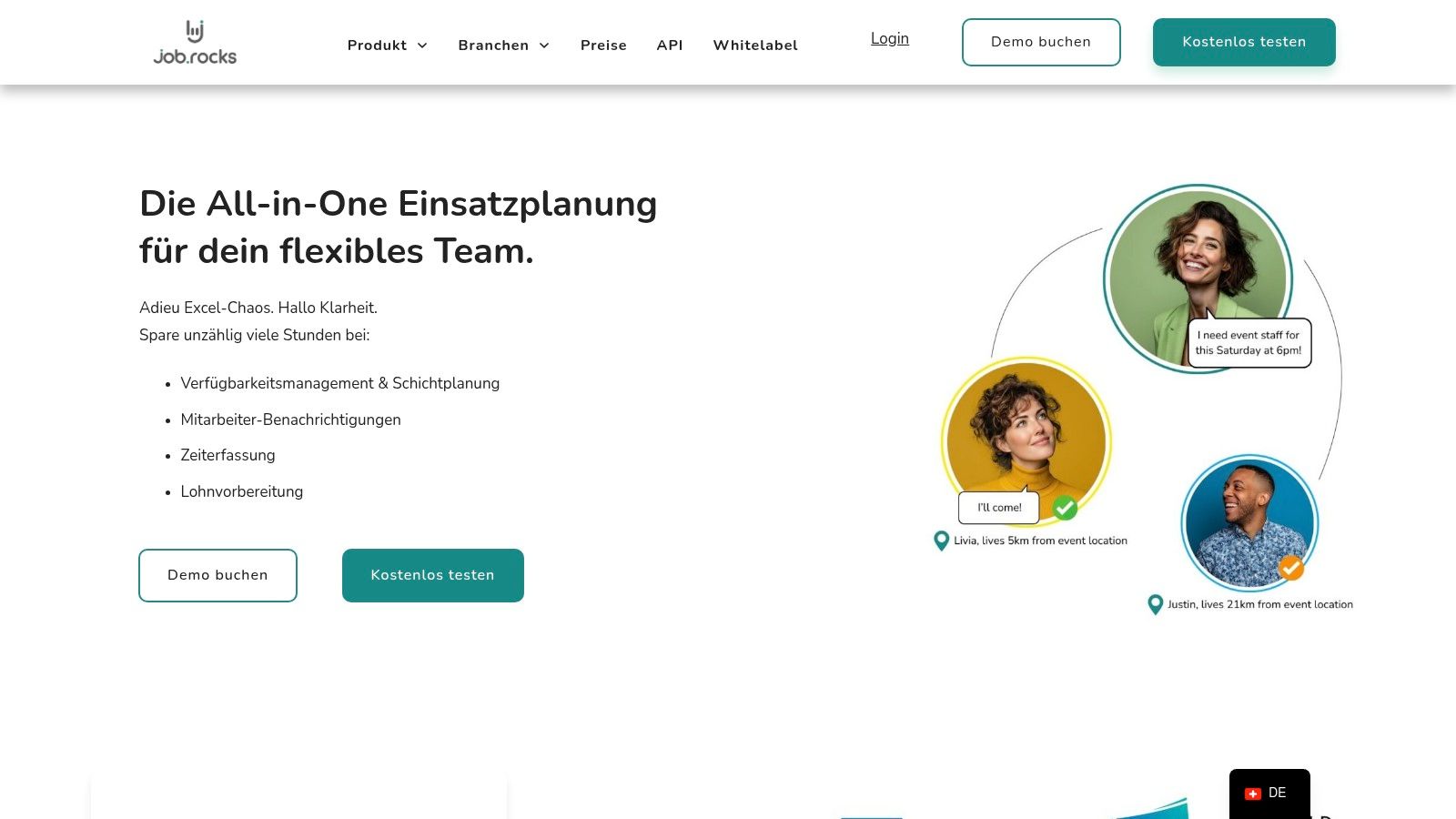
The strength of job.rocks lies in its consistent workflow. You can not only plan assignments and shifts, but also take qualifications into account, request suitable employees and handle time tracking directly via the mobile app. Especially for event catering, promotions or short-notice assignments, this helps keep availability, roles and responses in one place instead of working in parallel across Excel, phone and chat.
What makes job.rocks special?
The platform stands out through its focus on flexible teams in Switzerland. Employees see assignments on mobile, can give feedback centrally and record time cleanly. For larger or more specific setups, API and white-label options are interesting. Still, working time rules, data protection and payroll processes should always be checked against your concrete setup rather than relying only on general tool statements.
- Ideal for: Event agencies, catering, healthcare, security services, logistics and cleaning companies.
- Practical example: Use the free demo to run through a specific use case from your company. This allows you to check how well automation features, such as skills-based staffing, are working for your team.
- Price: The public reference price is CHF 2 per assignment. Prepaid volume packages and individual setups are available on request.
- Website: job.rocks
Advantages:
- Consistent workflow from planning through mobile feedback to time approval and payroll preparation.
- Switzerland-focused approach with app, roles, availability and clean documentation.
- Modern employee app with self-service functions and mobile time recording.
- Supports modern, faster planning workflows without every query needing manual follow-up.
- Professional features such as API, white label and SLA support.
Disadvantages:
- For individual or larger setups, a conversation is useful so volume, roles and payroll/export workflows can be mapped properly.
- The basis of public reviews is still manageable.
2. Papershift
Papershift is an established workforce management suite from the DACH region that specializes in duty scheduling, time recording and absence management. The tool is a good choice if you are looking for an all-in-one solution that grows with your business. The clear DACH focus is a plus point, especially for companies with locations in Germany, Austria and Switzerland, as all legal framework conditions and GDPR compliance are taken into account.
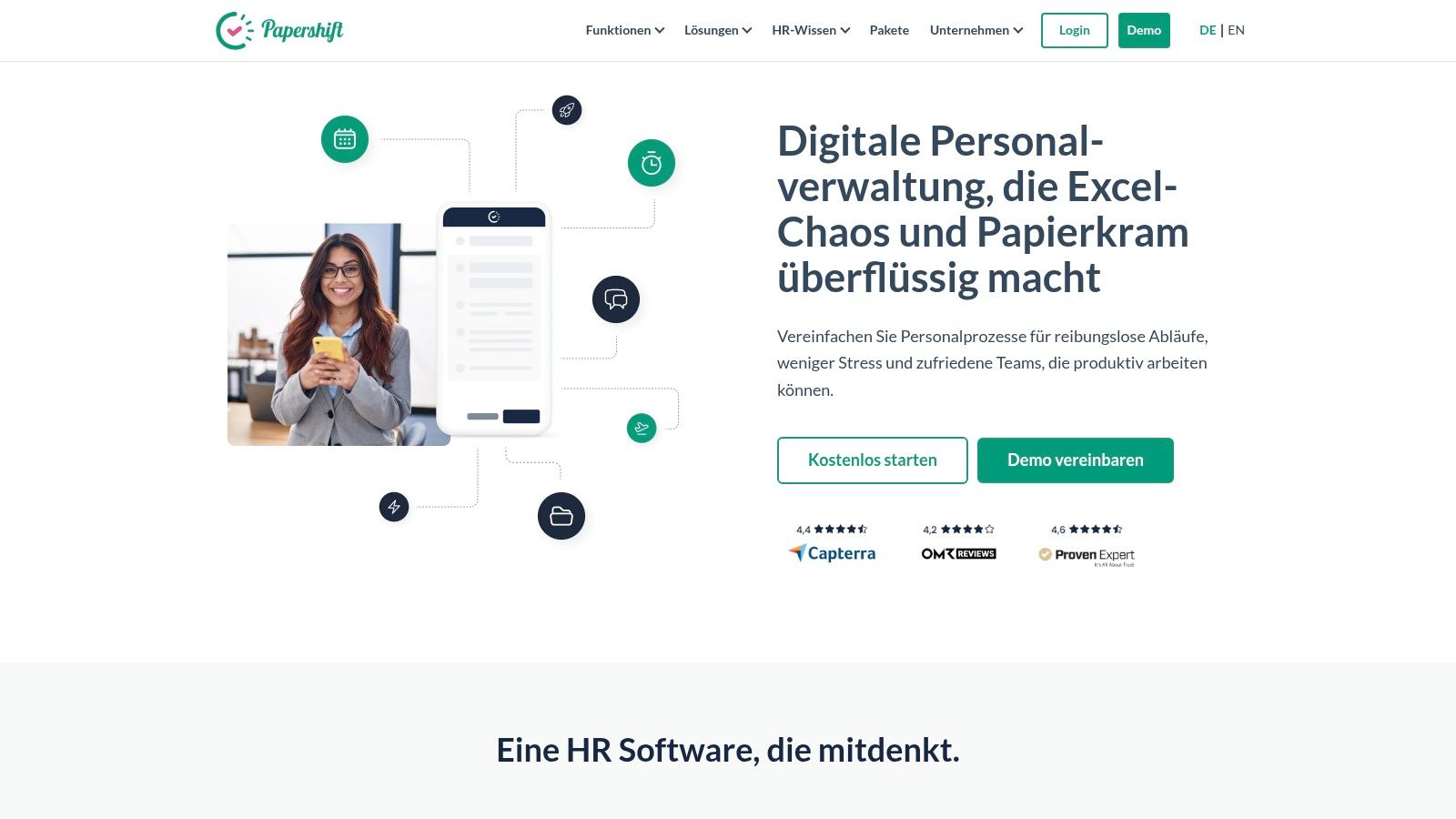
The strength of Papershift lies in its modular design. You start with the core functions for shift planning and can add additional add-ons such as a payroll interface or advanced reports if necessary. The planning itself takes into account stored rules, employee qualifications and their availability, which simplifies the creation of fair and legally compliant plans. A practical example: Specify that an employee with the “first aider” qualification must be present per shift. The system warns you during planning if this rule is violated.
The price structure is transparent, but requires precise calculation. In addition to the costs per user, there is a monthly basic fee for the account (e.g. €39), which covers support and maintenance. The exact prices per user are not public and must be requested via offer. However, you can test the tool free of charge for 14 days to see whether it suits your processes.
- Particularly suitable for: SMEs and medium-sized businesses from the catering, hotel, healthcare and event industries who are looking for a scalable solution with a strong DACH connection.
- Advantages: Clear focus on the DACH market, German-language interfaces, modularly expandable, 14-day trial version.
- Disadvantages: Additional monthly basic fee, exact user prices only upon request.
- Website: https://www.papershift.com/
3. shyftplan
shyftplan positions itself as a highly developed Shift planning software, which is specifically designed for large and complex operating environments. With a strong focus on compliance, artificial intelligence (AI) and deep connections, the tool is aimed at companies that need more than just simple shift distribution. The AI-based scheduling assistant can be a particular strength if you regularly need to fill hundreds of shifts fairly and automatically, taking employee qualifications, working time laws and individual wishes into account.
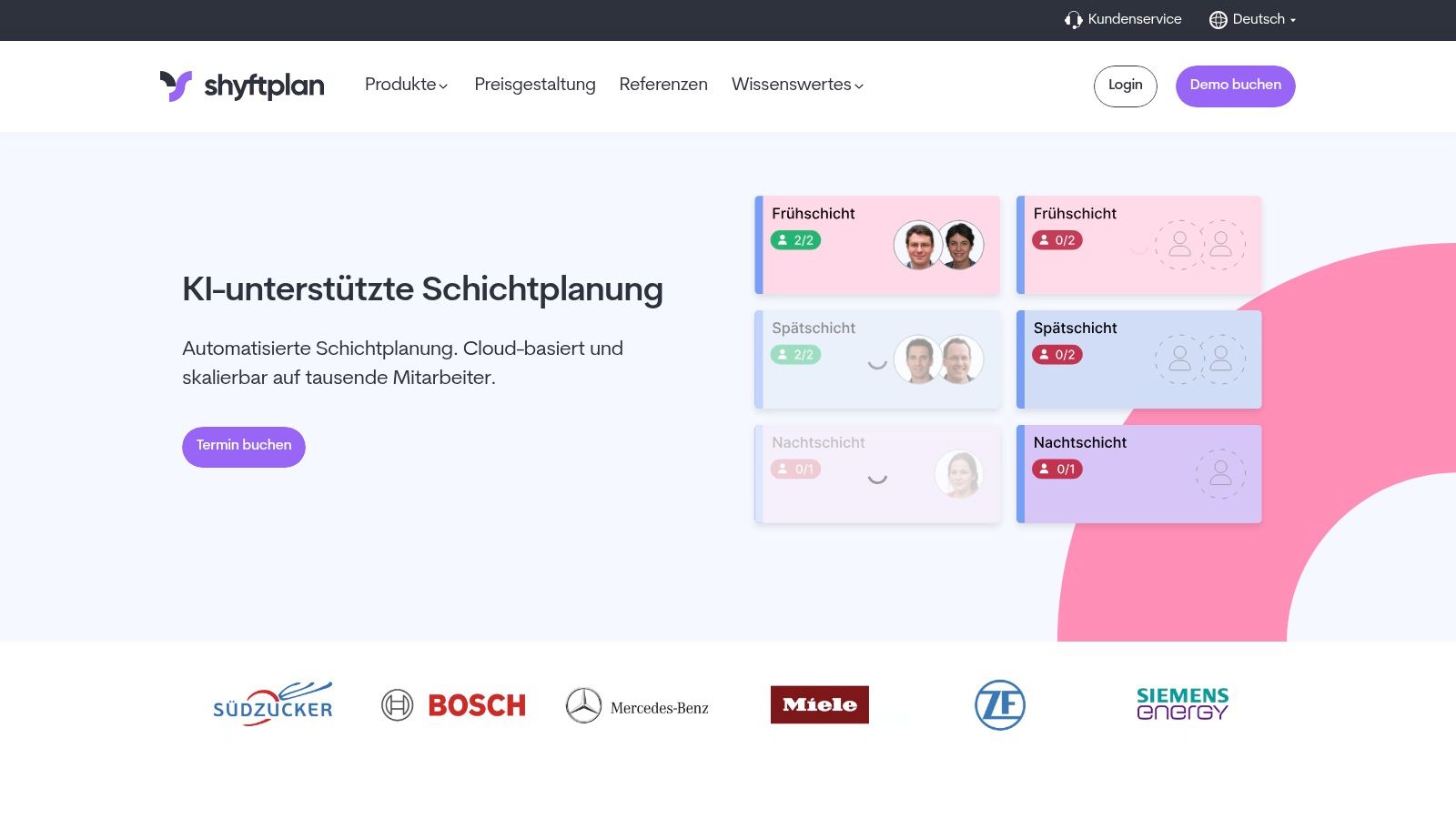
The platform impresses with its industrial suitability and strong focus on the German market, which is reflected in ISO 27001 certification and GDPR-compliant hosting in Germany. A particular strength is the seamless connection to existing system landscapes, especially to the SAP ecosystem, which makes shyftplan interesting for larger production companies or corporations. You can manage an unlimited number of locations and rosters and create your own connections via the API. A practical example would be the automatic assignment of a certified machine operator in a production hall, with the system simultaneously checking their remaining vacation and statutory break times.
Pricing is individual and is usually clarified in a personal offer, which indicates a target group with larger budgets and more complex requirements. The range of functions and the associated setup effort could be too great for small teams. Getting started often only makes economic sense when the team reaches a certain size. However, the mobile apps receive consistently high ratings in the app stores, which suggests good user acceptance among employees.
- Particularly suitable for: Large companies and medium-sized companies from industry, production and logistics as well as complex service providers who require a strong SAP connection and the highest compliance standards.
- Advantages: AI-supported automatic planning, strong SAP partnership, high security and compliance standards (ISO 27001, German hosting), very good mobile apps.
- Disadvantages: Prices only upon request, often oversized for small teams, potentially more complex setup.
- Website: https://shyftplan.com/
4. Planerio
Planerio is a specialized one Shift planning software, which stands out for its AI-powered algorithm and strong focus on healthcare. If you are looking for a solution that automatically takes complex requirements such as qualifications, employee wishes and legal requirements into account to create an improved plan, Planerio is an option worth considering. The tool is aimed primarily at clinics, nursing facilities and large medical practices and promises massive time savings in duty scheduling.
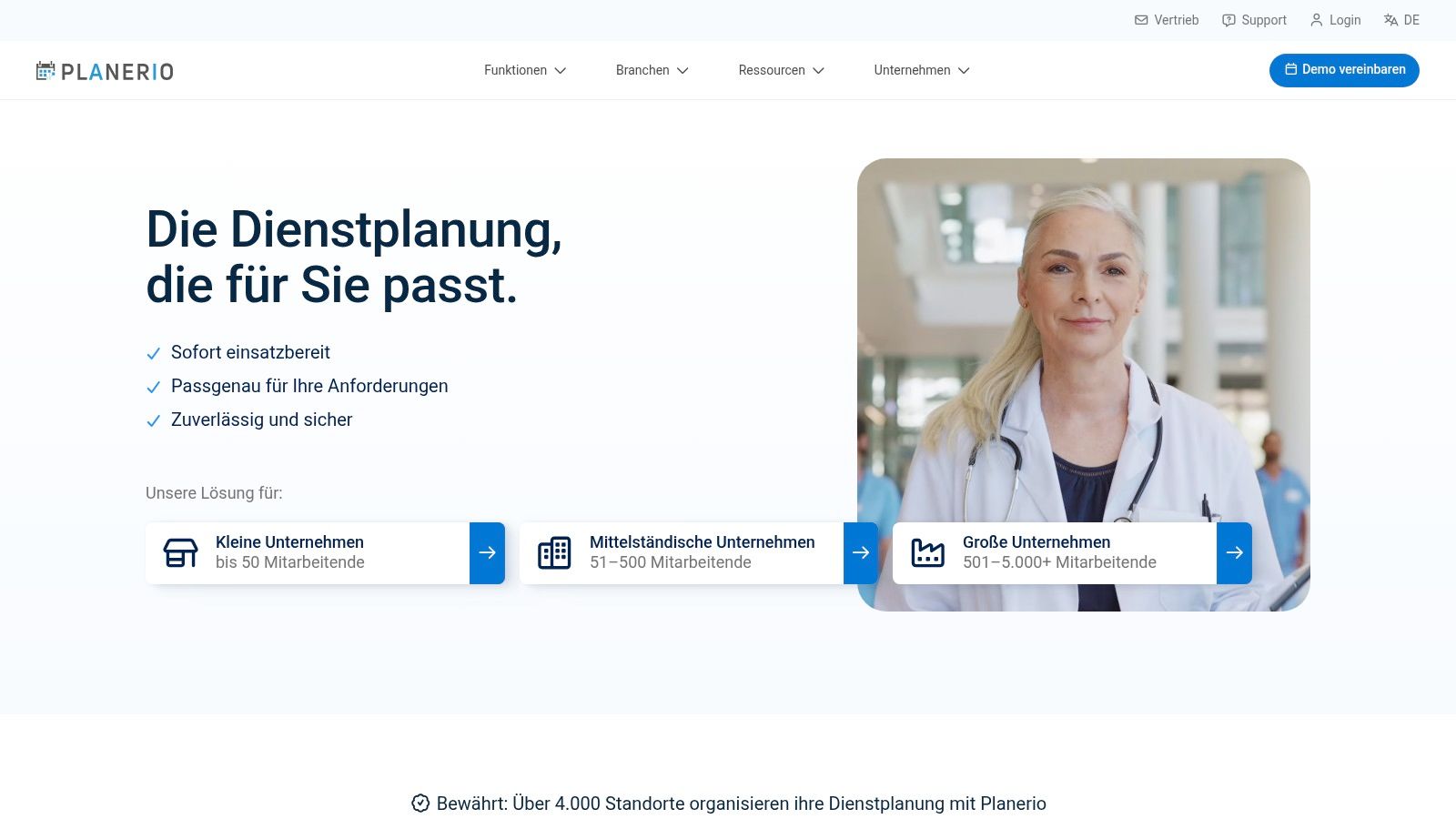
The heart of the matter is the intelligent planning algorithm. You define all the rules once, store qualifications (e.g. “anaesthesia specialist”, “HF nursing specialist”) and record the wishes of the employees. The system then generates a fair and compliant roster proposal. Planerio is particularly strong in outage management: If a person is unavailable at short notice, the system immediately suggests suitable and available replacements. Functions such as digital time recording, preparatory payroll accounting and detailed analyzes complete the package. The support for the DACH region, including a Swiss telephone number, is a clear advantage for companies in the region.
Pricing is not publicly available and requires an individual quote request. This suggests that Planerio is aimed more at medium to large organizations rather than small businesses. However, interested parties can book a personal demo to get to know the software and its specific use cases in detail.
- Particularly suitable for: Clinics, hospitals, nursing homes and large medical practices looking for an automated and intelligent solution for complex planning requirements.
- Advantages: AI-supported automatic planning saves time, strong focus on healthcare, integrated outage management, DACH support with CH contact.
- Disadvantages: Prices only on request, designed more for larger companies and organizations.
- Website: https://planerio.de/
5. Quinyx
Quinyx is an internationally oriented workforce management platform (WFM) aimed at larger companies in industries such as retail, logistics and catering. The tool is a strong choice for multilingual, cross-country setups and is highly recognized by analysts such as IDC MarketScape in EMEA. The focus is on AI-supported forecasting, automated planning and adhering to complex compliance requirements.
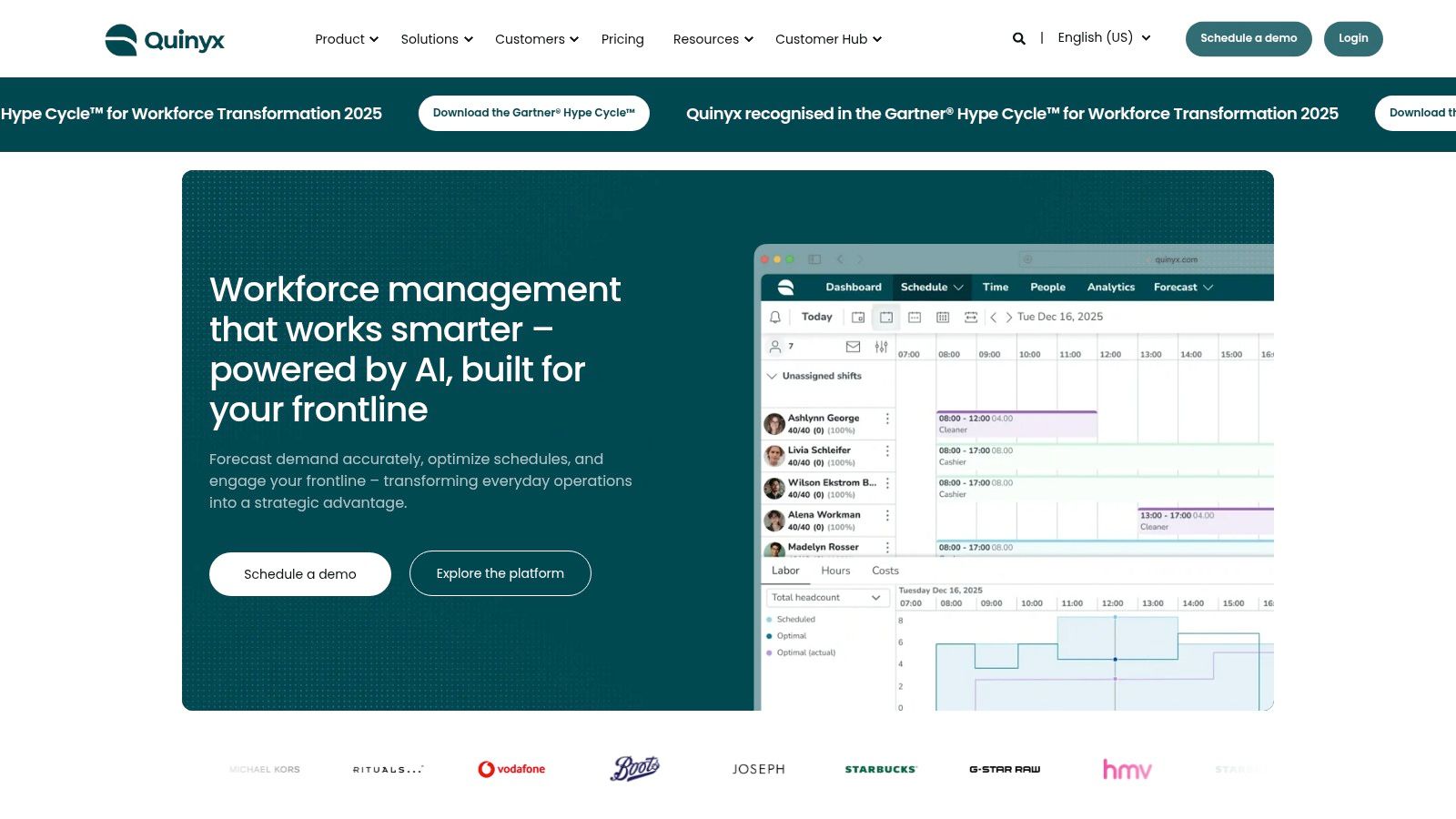
Quinyx's strength lies in AI-powered automation. For example, the system can forecast personnel requirements for future periods based on sales data or customer frequencies and automatically create shift schedules based on this. This makes Quinyx one of the most advanced options for data-driven shift planning. The “mobile-first” philosophy also ensures that all functions, from time tracking to shift swapping, work well on mobile devices. This is particularly practical for teams whose employees do not constantly work on a PC.
The pricing is completely individual and depends on the scope of functions and the size of the company. There is no public pricing scheme, so you will need to request a tailored quote. Due to the complexity, the introduction usually involves a larger project and corresponding change management, which is often too time-consuming for small companies.
- Particularly suitable for: Large, internationally active companies from retail, logistics and catering that need an AI-supported, fully automated WFM solution.
- Advantages: Strong AI modules for forecasting and automation, high recognition among analysts, established positioning in the EMEA region with a compliance focus.
- Disadvantages: Prices are completely individual and only upon request, introduction and change management can be complex.
- Website: https://www.quinyx.com/
6. Planday
Planday is a widely used shift planning software that originally comes from Denmark and is particularly aimed at the catering, retail and service industries. The tool places a strong focus on ease of use and mobile use by employees and managers. The platform is a good choice for companies that quickly need a functioning solution for planning, time tracking and communication and value a broad ecosystem of connections.
The strengths of Planday lie in its intuitive interface and quick commissioning. You can create shift templates, release open shifts for staffing and have working times recorded directly via the app. A practical example: A restaurant manager can advertise an open shift for a waiter on Saturday evening. Qualified employees receive a push notification and can apply directly via the app, which massively simplifies filling short-term absences. The software also offers country-specific connections for payroll and cash register systems (POS), which significantly streamlines administrative processes.
Pricing is divided into three tiers (Starter, Plus, Pro), although the exact costs per user per month vary depending on the market and are not directly visible on the website. You must request a quote to get exact pricing for your region. Some of the advanced connectivity and features are only available in the more expensive plans, which needs to be taken into account when choosing.
- Particularly suitable for: Catering businesses, retail chains and service companies that are looking for a mobile-oriented and quick-to-use solution with many interfaces.
- Advantages: Very good usability and mobile apps, broad network of market-specific connections, scalable plans depending on the size of the company.
- Disadvantages: Exact prices are only available upon request; some connections depend on the country or plan.
- Website: https://www.planday.com/de/
7th Deputy
Deputy is a globally focused workforce management platform that has made a name for itself with strong planning, time tracking and communication functions. The tool is a good choice for companies with multiple locations or an international focus, such as branches, catering chains or retailers. Deputy's strength lies in its sophisticated mobile workflows and the clear, structured product breakdown.
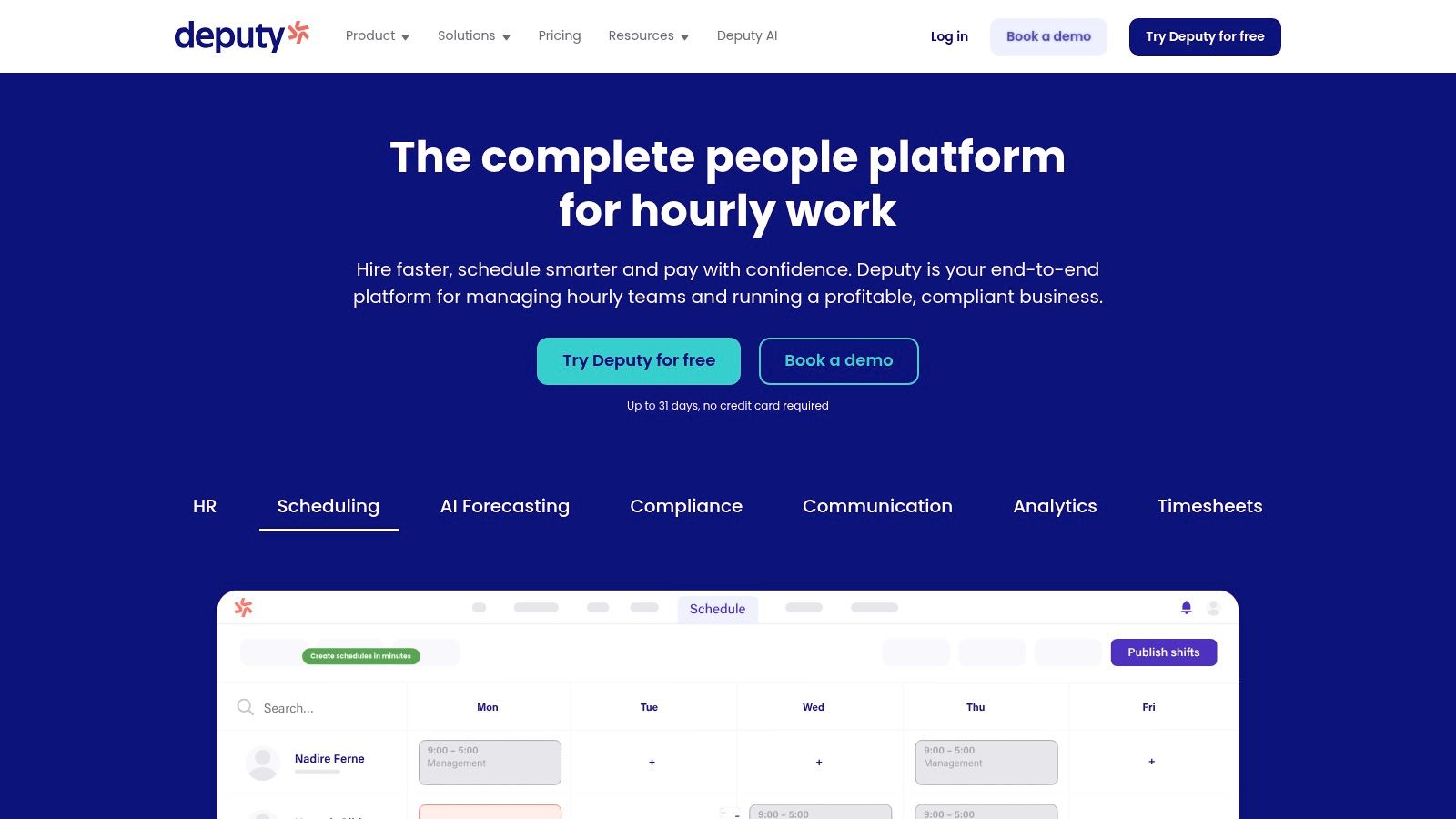
The platform offers you rostering that also supports automatic assignment based on rules and employee availability. A special feature is the integrated newsfeed function, with which you can send important announcements directly to your team, which greatly simplifies internal communication. A practical example: An employee clocks in for his shift using a tablet app. The system automatically records break times and ensures compliance with labor laws.
The pricing structure is divided into three clear levels: “Scheduling” (planning only), “Time & Attendance” (time recording only) and “Premium” (both combined). Prices are primarily shown in USD or GBP, which means conversions and local taxes apply for the DACH area. Although Deputy is internationally scalable, adjustments may be necessary for specific German or Swiss labor law details. A free trial is available.
- Particularly suitable for: Branches, retailers and restaurants who are looking for an internationally usable solution with a first-class mobile app.
- Advantages: Clearly structured pricing plans, very good mobile experience and role models, internationally scalable.
- Disadvantages: Prices primarily in foreign currency (USD/GBP), perhaps not detailed enough for deep DACH specifics.
- Website: https://www.deputy.com/
8. tamigo
tamigo is a Scandinavian workforce management solution that focuses heavily on retail and hospitality. The software is a good choice for companies looking for a simple, quick-to-implement solution with multilingual support and clear pricing models. The user interface is deliberately kept slim, which significantly shortens training for planners and employees. This makes tamigo particularly interesting for individual locations or branch structures that want to start without a lot of IT effort.
A big advantage of tamigo is the transparent price structure. In contrast to many other providers, the costs are calculated per location and not per user, which can be a financial advantage if you have a large number of part-time employees. The planning itself covers all basic needs: create shifts, manage absences and process exchange requests directly in the app. A practical example: A sales employee calls in sick via the mobile app. The shift planner immediately sees the gap and can release the open shift to qualified colleagues, who can then apply for it via the app. This simplifies ad hoc planning enormously.
The software offers different price tiers (Essential, Standard, Premium), which differ in the range of functions. The affordable “Essential” plan is intended for small businesses and covers basic shift planning. For more complex requirements such as payroll integration, detailed reports or budget planning, an upgrade to the higher packages is necessary. For large companies with very specific regulations, the standard plans may reach their limits, which must be taken into account when making the selection.
- Particularly suitable for: Retail, catering and service providers with individual locations or branches who are looking for an uncomplicated, internationally usable solution with fair location prices.
- Advantages: Transparent price tiers per location, very easy to use, quick introduction possible, good international language support in the app.
- Disadvantages: Cheaper plans only cover complex requirements (e.g. deep wage integration) to a limited extent; user ratings of app performance vary depending on the country.
- Website: https://www.tamigo.com/
9. TimeTac
TimeTac is a workforce management solution from Austria that is characterized by its highly modular structure. The core focus is on precise time recording, but is expanded to include functions such as vacation management and deployment planning as required. A clear unique selling point is the high security and compliance standard, confirmed by ISO 27001 certification and consistent GDPR alignment. This makes TimeTac a trustworthy choice for companies that value data security and are looking for a flexible solution where they only pay for the functions they really need.
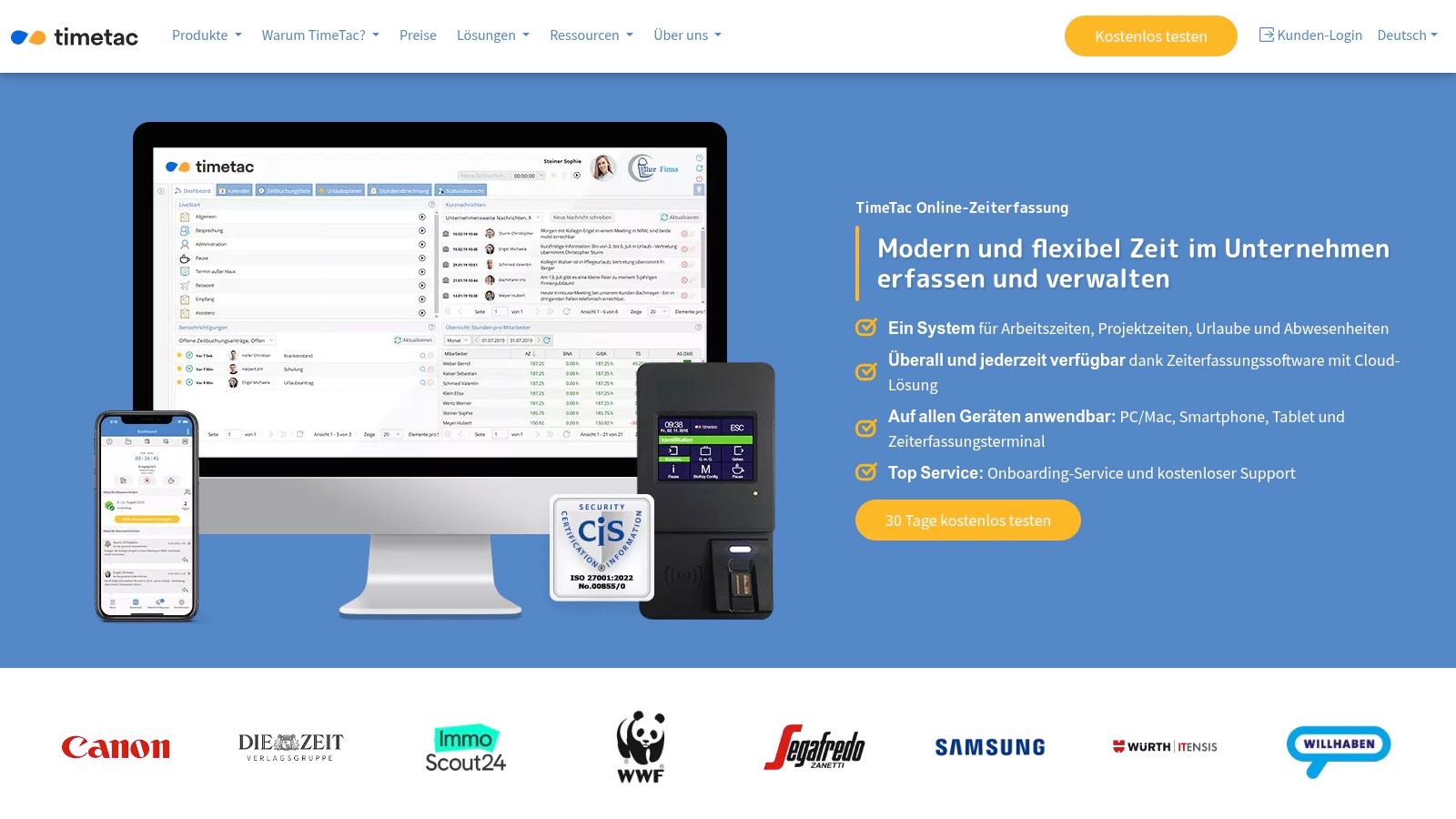
The strength of TimeTac lies in the ability to tailor the system exactly to your own needs. You start with work and project time recording and, if necessary, add the module for deployment and shift planning. What is practical here is that hardware components such as terminals for stationary time recording or multi-user kiosk solutions for tablets are also available. An example: A security service can have employees clock in and out of a property using a terminal, while the office staff records the project times directly on the PC. Everything flows into a central system.
The pricing model is transparent, but requires precise calculation on your part. There is a monthly basic fee per account, to which the costs for the selected modules and the number of users are added. This makes direct price comparisons with all-in-one packages a little more complex. You can test the software for 30 days free of charge and without obligation and benefit from German-speaking support that will help you set it up.
- Particularly suitable for: Companies of all sizes that place a high value on data security (ISO 27001) and need a modular, customizable solution for time recording and shift planning.
- Advantages: Very modular pricing model (you only pay for what is used), high compliance and security focus, 30-day trial version and German-speaking support.
- Disadvantages: Price comparison is complex due to the basic fee plus module prices, deeper shift planning logic may require configuration effort.
- Website: https://www.timetac.com/de/
10. Protime (SD Worx Group)
Protime, part of the SD Worx Group, is a large European provider of workforce management. The solution combines personnel scheduling, time recording and access control and is particularly interesting if you already rely on the HR and payroll ecosystem from SD Worx or are looking for an international solution. The strength of Protime lies in the deep integration of hardware (terminals) and software, which enables seamless data collection.
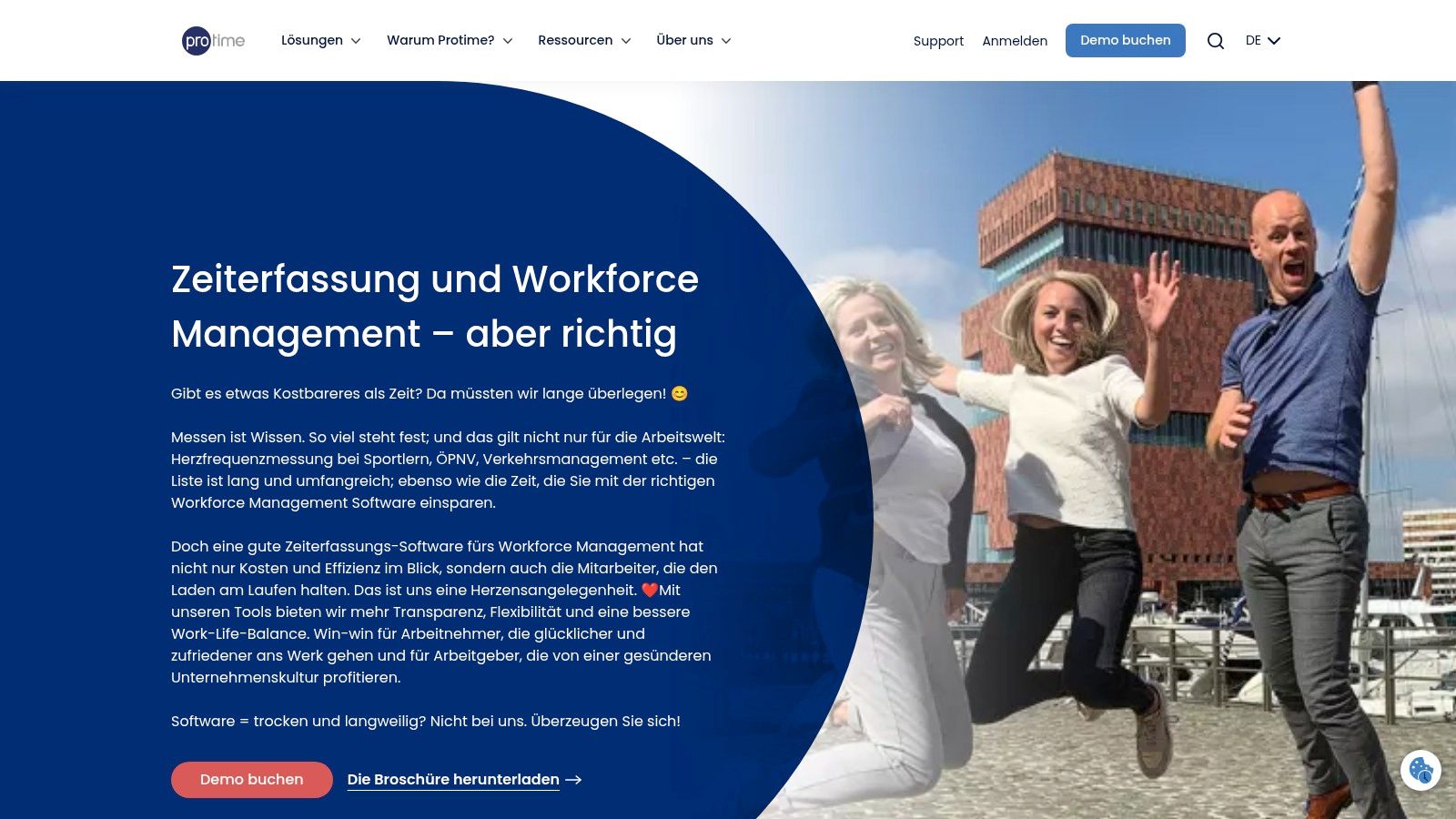
The software offers all the necessary tools for well-founded shift planning and detailed absence management. Using the “myProtime” app, employees can manage their working hours themselves, swap shifts or request absences. An example: An employee clocks in at the time recording terminal, the time is automatically recorded in the software and is immediately available for payroll. Protime is continuously developing its software and is increasingly relying on AI-supported forecasts for improved personnel planning. However, the range of functions and the necessary setup time make Protime more of a solution for larger organizations than for small businesses. The prices are not public and are calculated individually for the respective project upon request.
- Particularly suitable for: Medium to large companies with international locations that are looking for a scalable workforce management solution and need a connection to payroll systems such as SD Worx.
- Advantages: Strong European orientation and scalability, close connection to payroll and HR processes, optionally with hardware for time recording and access control.
- Disadvantages: Prices only upon request (mostly enterprise projects), the scope can be oversized for small teams.
- Website: https://www.protime.eu/de-de/
11. POLYPOINT PEP
POLYPOINT PEP is a highly specialized software for personnel deployment planning (PEP) that has established itself as a de facto standard in the Swiss healthcare system. If you need to map complex duty and on-call services in a hospital, clinic or nursing home, this tool is one of the most high-profile solutions on the market. The focus is clearly on the in-depth representation of Swiss regulations and industry-specific work processes.
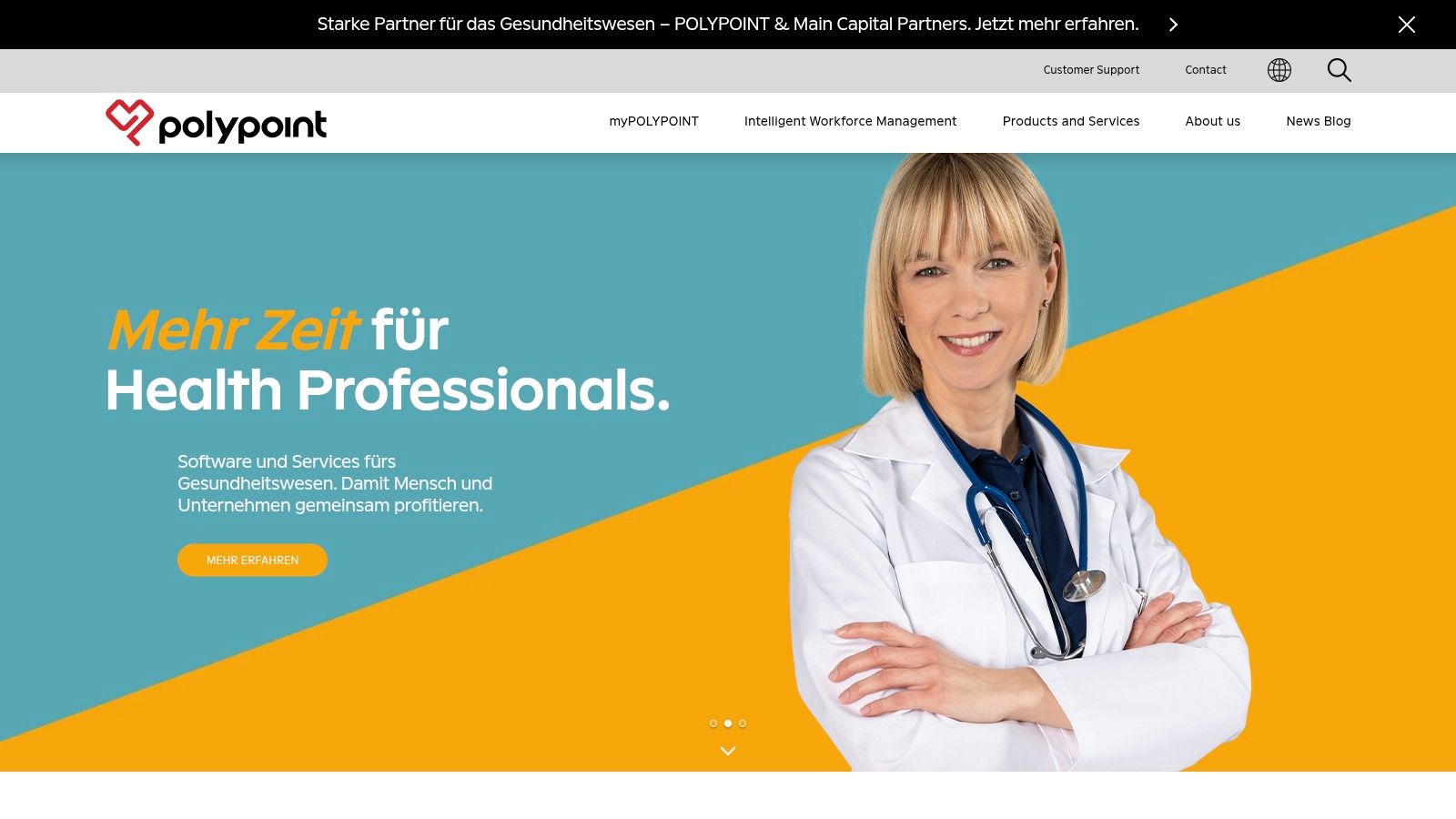
The strength of POLYPOINT is the powerful work rules engine. This allows you to store very detailed rules for planning that go far beyond simple qualifications. A practical example: Define that a shift not only requires a qualified nurse, but also that this person must have at least three years of professional experience and may not work more than five night shifts in a row. The system automatically monitors these and hundreds of other rules. Using the myPOLYPOINT app, employees can view their services, request absences and swap shifts. The integrated time management ensures that all supplements and working hours are billed correctly.
Pricing information and offers are only available upon individual request, which is normal for a product of this complexity. Due to the strong specialization in the healthcare sector, the software is only partially suitable for other industries such as the catering or event industry. The solution is clearly aimed at larger organizations with complex planning requirements.
- Particularly suitable for: Swiss hospitals, clinics, nursing homes and other large healthcare organizations that require a deeply integrated and rules-based planning solution.
- Advantages: Deep representation of Swiss regulations and GAV, de facto standard in many Swiss hospitals, very powerful work rules engine, regular further development.
- Disadvantages: Very strong focus on healthcare, oversized and unsuitable for other industries, prices only individually on request.
- Website: https://www.polypoint.ch/
12. E2N
E2N is a solution specialized in the DACH region, which clearly focuses on the catering industry and related industries such as bakeries, catering and the event industry. If you are looking for practical software that is tailored precisely to hospitality processes, E2N is an excellent choice. The tool covers the entire chain from duty scheduling to time recording to wage preparation, taking into account industry-specific challenges such as surcharges and cash register connections.
The strength of E2N lies in its deep connection to the gastronomy world. You can link your planning directly to sales expectations and ensure that you always have exactly the right staff on site without incurring unnecessary costs. A practical example: Import your cash register data and plan the next week based on last Friday's hourly sales to avoid staff shortages or idle time. Digital time recording and the automated calculation of night or holiday surcharges significantly reduce the administrative effort for payroll accounting.
Exact pricing is not publicly available and requires a quote request or demo, making direct budgeting difficult. The clear focus on the catering industry also means that the software may be too specialized for other industries and does not have all the necessary functions. A trial version is not advertised directly; entry usually takes place via a personal consultation.
- Particularly suitable for: Gastronomy, hotels, bakeries, catering companies and event organizers in the DACH region who are looking for a specialized solution with cash register connections.
- Advantages: Perfectly tailored to catering and hospitality processes, tried-and-tested checkout interfaces, German-speaking support with industry knowledge.
- Disadvantages: Less flexible for companies outside the industry, exact prices only upon request, no direct access to a trial version.
- Website: https://e2n.de/
Core feature comparison: 12 shift planning tools
| Provider | Core features ✨ | UX & Quality ★ | Price & Value 💰 | Target group & USP 👥 |
|---|---|---|---|---|
| 🏆 job.rocks | End-to-end: Availability → Assignment → Time tracking → Time approval/payroll preparation; mobile app; freelancer and pool management ✨ | Mobile app, multilingual, intuitive; Rating 4.7★ | demo/test; Prices on request; high automation ROI 💰 | 👥 Events, Hospitality, Health, Logistics; GDPR, APIs, white label, SLA |
| Papershift | Shift planning, time recording, absence; Add‑ons (Payroll) ✨ | German speaking; fast onboarding; ★★★★ | 14 day test; Basic fee (e.g. €39/account) 💰 | 👥 SMEs/medium-sized companies DACH; modular marketplace |
| shyftplan | AI auto-assignment, API/SAP integrations, skill matrix ✨ | Strong for large shift teams; good mobile UX; ★★★★ | Individual prices; economical for larger teams 💰 | 👥 Production/Industry; Hosting/Compliance (DE, ISO) |
| Planerio | Intelligent roster algorithm, outage management, time recording ✨ | Very good for healthcare; analytics; ★★★★ | Prices on request; Enterprise‑oriented 💰 | 👥 Clinics/practices; DACH support (CH contact) |
| Quinyx | Duty planning, AI forecasting, analytics, mobile ✨ | Enterprise-ready; Analyst-recognized; ★★★★★ | Individual prices; strong enterprise ROI 💰 | 👥 Retail, logistics, gastronomy; Multi-country |
| Planday | Shift planning, time recording, integrations (Payroll/POS) ✨ | Good usability; quick rollout; ★★★★ | Tiers present; market dependent prices 💰 | 👥 Hospitality & Retail; Multi‑location |
| Deputy | Auto‑Scheduling, Time & Attendance, Employee App ✨ | Mobile-first, scalable; ★★★★ | Tiered Plans (USD/GBP); local adjustment necessary 💰 | 👥 Branches, restaurants, retail |
| tamigo | Shift planning, mobile check-in/out, multiple locations ✨ | Easy to use; quick introduction; ★★★★ | Transparent Tiers; Cheap entry per location 💰 | 👥 Retail & Hospitality, location-oriented |
| TimeTac | Work & project time recording, vacation management, terminals ✨ | Modular, ISO/GDPR‑focused; ★★★★ | Modular pricing model; 30 day test 💰 | 👥 SMEs with compliance requirements |
| Protime (SD Worx) | Time recording, rostering, access, integrations ✨ | European presence, scalable; ★★★★ | Prices on request; Enterprise projects 💰 | 👥 International companies, SD Worx ecosystem |
| POLYPOINT PEP | Duty/on-call planning, work rules, time management ✨ | De facto standard in CH healthcare; ★★★★ | Individual offers; established in hospitals 💰 | 👥 Swiss hospitals & clinics |
| E2N | Sales-based duty planning, time recording, wage preparation ✨ | Very good for catering/events; tried and tested; ★★★★ | Prices on request; DACH support 💰 | 👥 Gastronomy, bakeries, catering |
Recommendation based on team size and maturity level
Many comparisons simply give a ranking. In practice, however, it is often crucial how mature your planning already is:
- 5 to 20 employees: Find a tool you can launch in a few days. Mobile app, shift swapping, availability and simple time recording are often enough to get you started.
- 20 to 100 employees: Pay attention to roles, approvals, templates, absences, bonuses and stable exports to payroll or HR processes.
- 100+ employees or multiple locations: APIs, integrations, skill matrix, rights concepts and reliable support become a must.
If you still work with Excel, WhatsApp and manual queries today, it is worth having a clear test process: Define 2 to 3 real weekly plans, check the handling of cancellations and shift swaps and test the app with 3 to 5 employees. That's exactly what one is for concrete demo or a pilot run is much more meaningful than any product slide.
5-minute checklist before your demo
Before you test a provider, briefly go through these points. This will help you see more quickly whether the solution really suits your business or just sounds good in a sales pitch.
- Realistic test cases prepared? Take two real weekly schedules with holidays, absences, shift swaps or supplements instead of just one ideal case.
- Mobile usage checked? Employees should be able to see, confirm, exchange shifts and record times on the go without lengthy training.
- Wage and export path clarified? Check early on how hours, allowances and absences get into the downstream processes.
- Honestly assessed the implementation effort? A tool is of little use if your team bypasses it after two weeks.
- Responsibilities defined? Decide who approves plans, confirms changes and maintains rules.
If a provider covers these points properly, there is a significantly higher chance that the software will not only be introduced, but also actually be used.
Conclusion: Which software is right for you?
After this detailed comparison of shift planning software, one thing is clear: There is no one perfect solution for everyone. Your decision depends largely on the specific circumstances of your business: the size of your team, the complexity of your operational planning and the special requirements of your industry.
Finding the right tool is not an easy task. It requires a close examination of your internal processes. Document where the biggest time wasters are. Is it the tedious communication via WhatsApp groups? Manually transferring hours to payroll? Or the constant short-term changes that throw your whole plan out the window? Only if you know your exact difficulties can you specifically look for software that solves exactly these problems.
Make the right choice for your industry
This comparison showed how differently the tools are positioned. Let's summarize the key findings to make your choice easier:
-
For healthcare specialists: If you work in a clinic, a nursing home or a medical care center, the requirements for qualifications, statutory rest periods and documentation are particularly high. Tools like Planerio or POLYPOINT PEP are often the best choice because they were developed precisely for these complex scenarios and have the necessary certifications and specialized functions.
-
For established SMEs with a focus on the DACH region: Companies looking for a solid, expandable platform for time recording, absence management and duty scheduling can find it at Papershift often a suitable answer. The modular design allows you to start small and expand the system as needed.
-
For internationally operating chains: If your business spans multiple locations, perhaps even in different countries, global players like Deputy or Quinyx worth a look. They provide the necessary scalability and often also multilingual interfaces to enable uniform planning across borders.
-
For flexible teams in events, catering and personnel service providers: Does your business thrive on flexibility? Do you work with a pool of permanent employees, part-time employees and freelancers? Do your assignments take place at different locations and personnel requirements change at short notice? In this busy environment, you need software that offers exactly this flexibility.
job.rocks was designed exactly for this scenario. The focus is on automating the entire process, from simple availability queries via app to automatic planning to digital timesheet approval and payroll accounting. The goal is to relieve you as a planner of as much administrative work as possible.
Your next step: Test, test, test
The best description and the most detailed comparison do not replace the practical test. Almost all providers offer free test phases or personal demonstrations. Take advantage of these opportunities! Create a test shift schedule with real data. Invite a few of your employees and ask them to enter their availability or apply for shifts.
Observe closely: How intuitive is the operation for you and your team? Can everyone find their way around quickly? Does the mobile app work reliably? This is the only way you can get a real feel for which shift planning software actually simplifies your everyday work and doesn't become another complicated tool. Your choice will shape the way you work for years to come. So take the time to make an informed decision.
Are you ready to take your workforce planning to the next level and automate administrative tasks? job.rocks has been specially developed for dynamic industries such as events, catering and personnel services to offer you maximum flexibility and efficiency. Find out how you can manage everything from availability queries to payroll in one consistent, GDPR-compliant system and arrange a free demo today job.rocks or check in advance Price overview.
Additional resources on rostering
Choosing the right roster software is just one component of efficient personnel planning. For more in-depth insights into related topics, we recommend the following articles:
- Deployment planning software comparison 2026 – Specialized tools for flexible deployment planning in events, catering and personnel services
- Personnel planning tool: comparison & selection aid – Strategic personnel requirements planning with software support
- Create a roster: Avoid the 5 most common mistakes – Practical tips for avoiding typical planning mistakes
- Automatically create an Excel shift plan – For teams that still work with Excel and want to take the first steps in automation
- Employee app for deployment planning – Why mobile apps massively increase employee satisfaction
Frequently asked questions about rostering & shift planning software
What are the three best shift scheduling providers?
For Swiss teams with a flexible staff pool, job.rocks, POLYPOINT PEP and shyftplan are the most useful shortlist — depending on the use case. job.rocks is especially suitable for events, hospitality, promotions, temporary staffing and personnel service providers, POLYPOINT PEP more for hospitals and care organisations, and shyftplan more for industry, production and larger shift operations. Test the three providers against a real weekly schedule, an absence scenario and the mobile response from employees.
What is the best shift scheduling provider?
For flexible teams in events, catering, promotions or personnel services job.rocks particularly strong because availability, deployment planning, time recording and mobile communication come together in one workflow. For hospitals is more likely POLYPOINT PEP more suitable for larger industrial setups shyftplan or Quinyx. The best provider is the one that improves your processes with as little manual effort as possible.
What is the difference between roster software and shift planning software?
Virtually none – both terms are used interchangeably. “Roster scheduling software” is particularly common in healthcare, gastronomy and security services, while “shift planning software” is more commonly used in production and industry. Modern tools such as job.rocks, shyftplan or Papershift serve both use cases equally and offer functions for rule-based planning, shift swapping and working time recording.
Which roster software is best for small teams?
For small teams, straightforward setup, mobile responses and a cost model that fits assignment volume matter more than the longest feature list. Test job.rocks, Papershift and Deputy with the same weekly schedule and ask which modules, setup services and contract terms are actually required. The public job.rocks reference price is CHF 2 per assignment; prepaid volume packages are available on request.
How much time does professional roster software save compared to Excel?
Professional roster software saves time mainly where today there are queries, manual availability checks, duplicate spreadsheet maintenance and rework for payroll or time recording. The actual effect depends heavily on team size, change pressure and process quality. The biggest lever usually comes from automated workflows: employees can enter availability themselves, swap shifts or apply for open shifts without every response having to be tracked manually.
Do I have to re-enter all data when switching from Excel to roster software?
That depends on the provider and the quality of your source data. Ask for the supported import formats, run a small sample import and clarify which records need manual cleanup. Plan the switch only after roles, duplicates, history and ownership have been resolved.
Which interfaces to payroll software are important?
The key is the actual handover to your payroll system: fields, validation, approval and export. Request a test export with sample data. A generic CSV can be sufficient; a native integration is only better when it matches your process and field logic.
Is cloud-based roster software GDPR compliant?
Cloud operation is not automatically compliant. Review the data-processing agreement, subprocessors, hosting and data locations, access rights, deletion policy, encryption and documented security evidence for your specific use case.
Can I test roster software for 14-30 days free of charge?
Trial and demo offers change. Check the current terms directly with each provider and confirm which functions are included. Use the test for a real weekly schedule, a short-notice absence, the mobile response flow and a sample export rather than only a guided product tour.
Which functions are particularly important for catering businesses?
Gastronomy-specific must-haves: shift swap function (for short-term absences), mobile app for employees (check availability, retrieve plans), availability query, open shifts (fill quickly in case of bottlenecks), time recording with break regulation and integration into payroll systems (for correct supplements). job.rocks, Deputy and tamigo are particularly strong here because they are designed for flexible industries with high fluctuation. Practical: Automatic push notifications when plans change, so your team knows immediately.
Is roster software also worthwhile for companies with fixed working hours?
Yes, software also brings advantages with fixed working hours: absence management (vacation, illness, home office), time recording (legally mandatory in Germany since 2022, recommended in Switzerland), overtime tracking and preparatory payroll accounting. Tools like TimeTac or Protime specialize in exactly these use cases. You save time when planning vacations, avoid staff shortages and have all working hours documented in a legally compliant manner. For pure office teams without shift work, a stripped-down solution (e.g. Papershift time recording module) is often sufficient instead of a full-fledged shift planning software.
How important is a mobile app for employees?
Extremely important for industries with flexible operations (events, catering, care, security). A good employee app (job.rocks, Deputy, Planday, shyftplan) enables: retrieving the roster in real time, entering availability, swapping shifts (with approval workflow), time recording via GPS or NFC, and push notifications for changes. This noticeably reduces queries and makes everyday work easier for employees. Teams that maintain their availability independently work with more up-to-date information. Without an app, many requests have to be processed manually — a major time sink for flexible teams.